From idea to
finished content.
One AI workspace for creators, freelancers, and agencies — generate, edit, and ship images, video, audio, and text without switching tools.
Use Creativly credits or bring your own API keys
Powered by the world's leading AI providers
Access the best image and video models from vendors including OpenAI, Google, and Kling via Gemini, Replicate, and WaveSpeed. Use your API keys or credits.

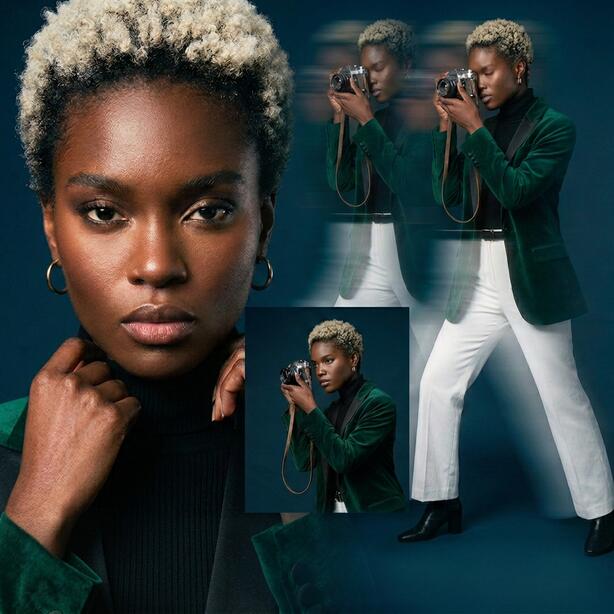
Start with a template.
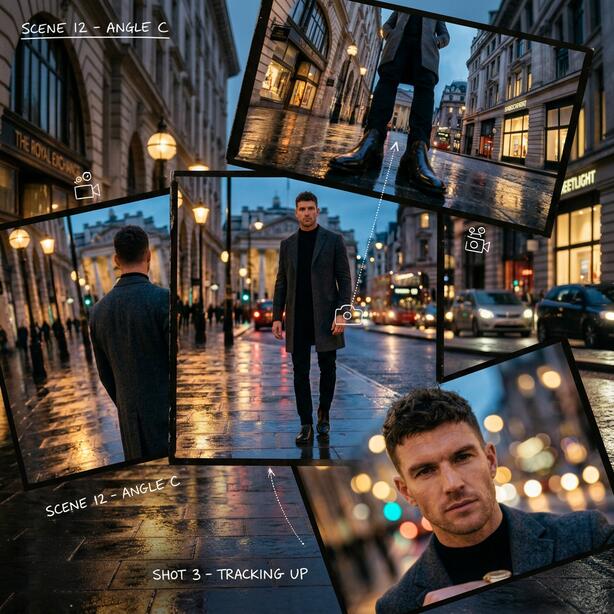
Production-ready workflows designed to be extended. Skip the blank canvas and build on top of complex logic crafted by experts.
Explore GalleryCar Storyboard
9 Nodes / 10 Edges
One Prompt, Six Models
Write once, generate six variations simultaneously using a Set Node. Compare outputs from the world's best image models side-by-side.
Prompt:A dreamlike portrait of a woman with flowing iridescent hair, soft golden hour light casting gentle shadows, surrounded by floating cherry blossoms in a serene Japanese garden.






Studio Projects
Community projects and shared workflows you can explore, reference, or remix.
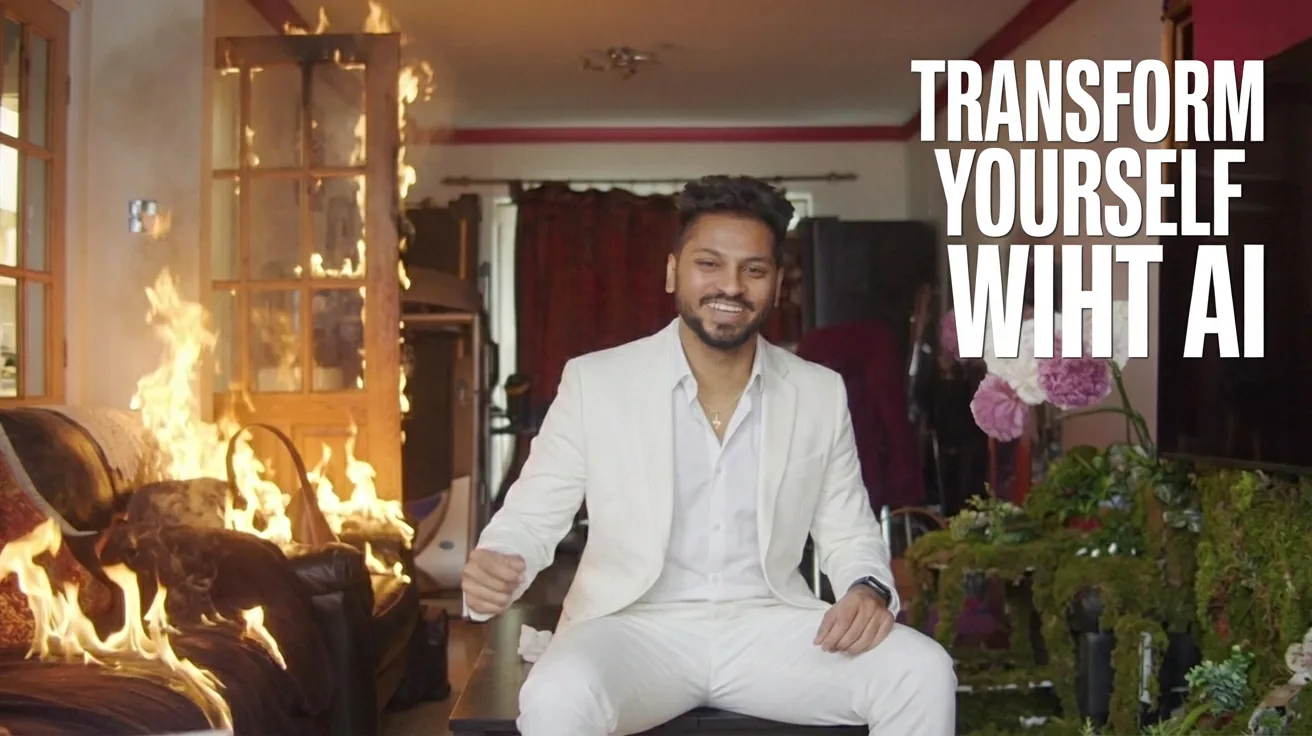
Creativly Promo Video
BrandingA quick promo video using Gemini's Nano banana pro + Klings Powerful O1 video edit.

Coffee Shop Menu Ad
WorkflowDesign a complete cafe menu ad with AI. Generate a chalkboard poster, three seasonal drink photos (pumpkin spice, matcha, hot cocoa), and automatically swap each drink into the hero image — ready to post.
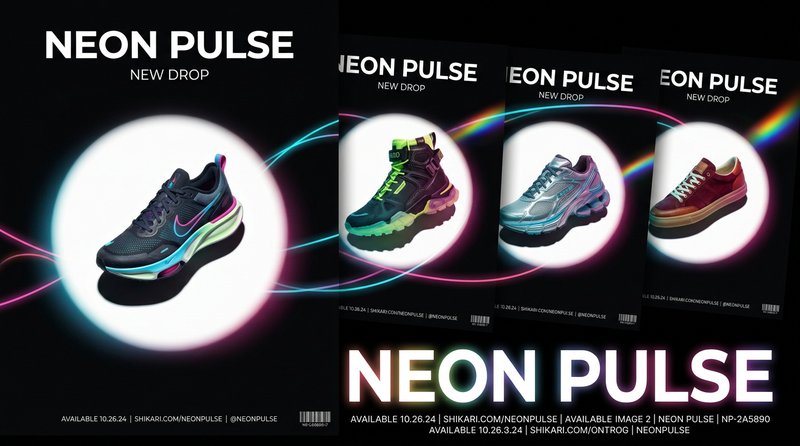
Sneaker Drop Ad
WorkflowCreate a full sneaker launch campaign with AI. Generate a hero poster, three colorway variants, swap each into the ad layout, and produce cinematic product videos — all from one workflow.
GPT Image 2.5
Turn a brief into a campaign image, or reshape an existing shot with references and precise instructions.
Explore GPT Image 2.5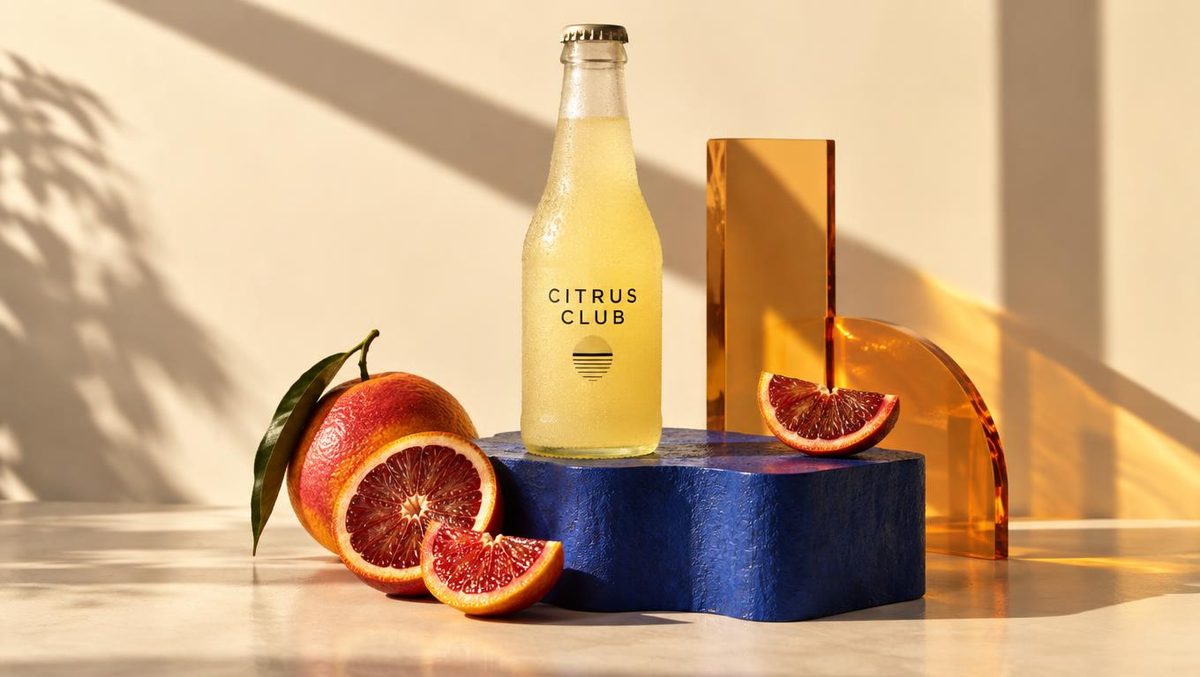
Blog
GPT Image 2.5: Create, then refine
A practical guide to image generation, reference-based editing, and choosing the right output settings.
Read launch post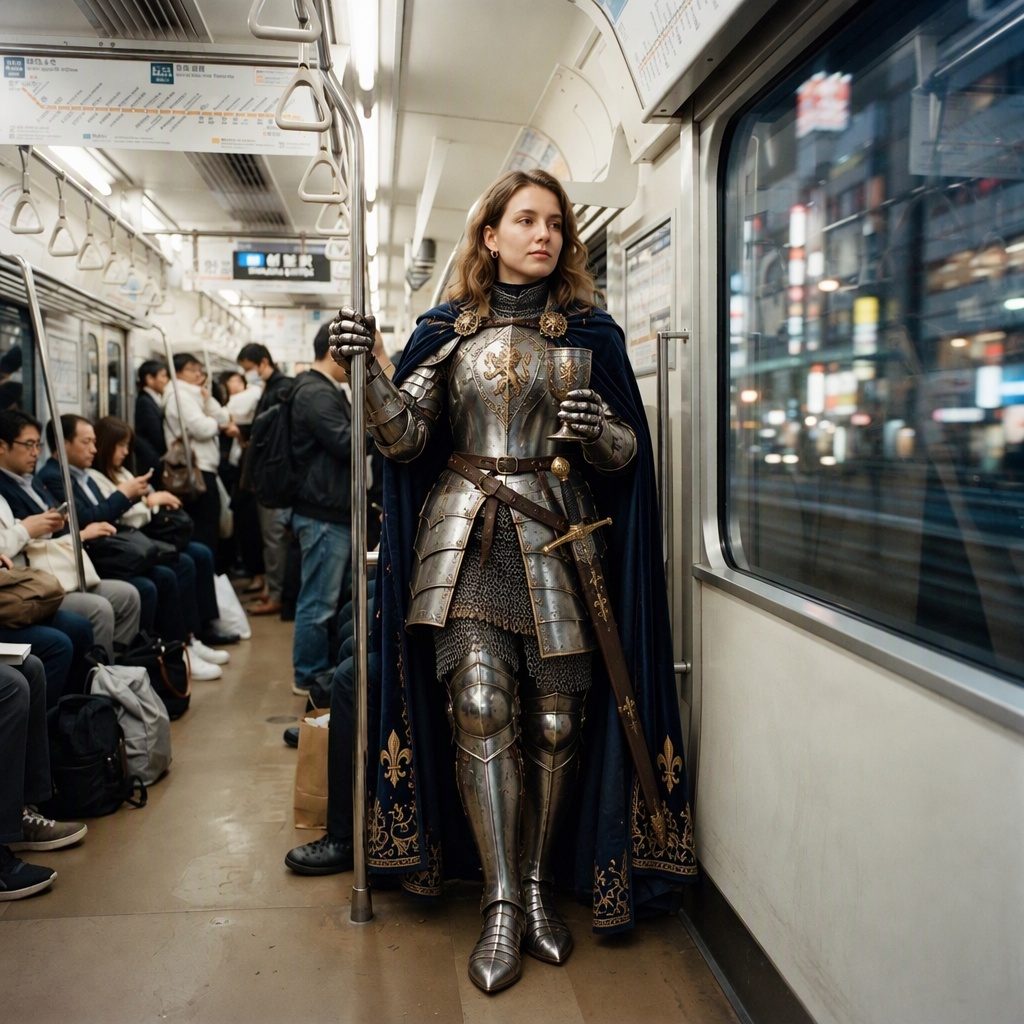
Try it now
Keep the idea. Change the details.
Start with a prompt or your own images. Direct a new setting, change a look, or develop a fresh visual direction.
Create an imageFrequently Asked Questions
Quick answers for billing, credits, and account controls.
Refund requests can be submitted within 14 days of the transaction date for duplicate charges, billing errors, or verified technical issues that prevented use. If credits were already used on completed generations, that portion is typically not refundable. Contact info@creativly.ai with your account email and transaction details.
Email billing supportCredits are added to your account balance based on your plan each billing cycle (Starter: 5/month, Gemini + BYOK: 100/month, Platform: 200/month). Managed usage deducts credits from that balance. Runs made with your own provider key are billed by that provider and do not consume Creativly credits.
No for normal BYOK runs. BYOK generations are billed by your connected provider (for example Gemini, Replicate, or WaveSpeed). Platform-managed runs and premium credit-based features still consume platform credits.
Yes. You can cancel anytime from your account panel, and you keep access until the end of your current billing period.
Learn from the Blog
Tutorials, tips, and insights to help you master AI-powered creative workflows
Sep 23, 2026 - 5 min read
Create campaign visuals and edit images with GPT Image 2.5. Explore prompts, image references, 4K output, and workflows in Image sessions, Flow, and Agent.
Read article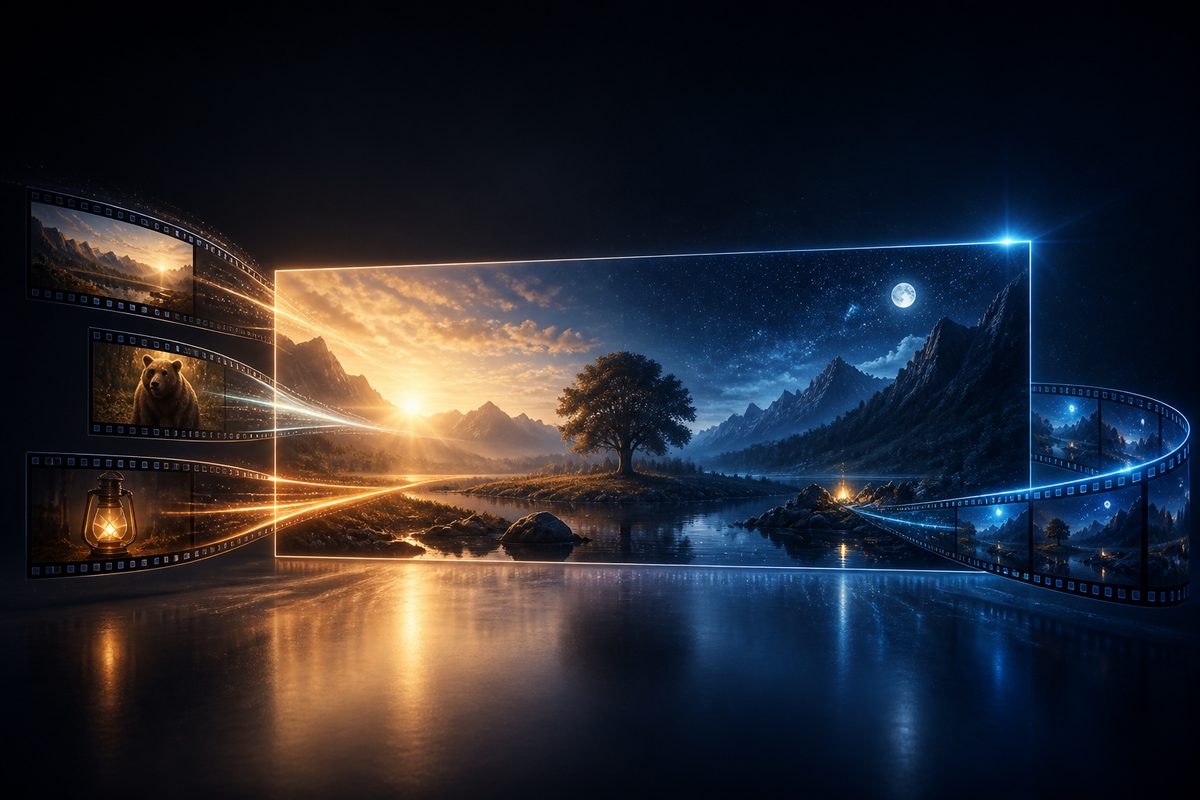
Aug 29, 2026 - 8 min read
Gemini Omni 1.1 Flash adds 360p through 4K output, first-and-last-frame interpolation, short video references, generation, editing, and native audio.
Read article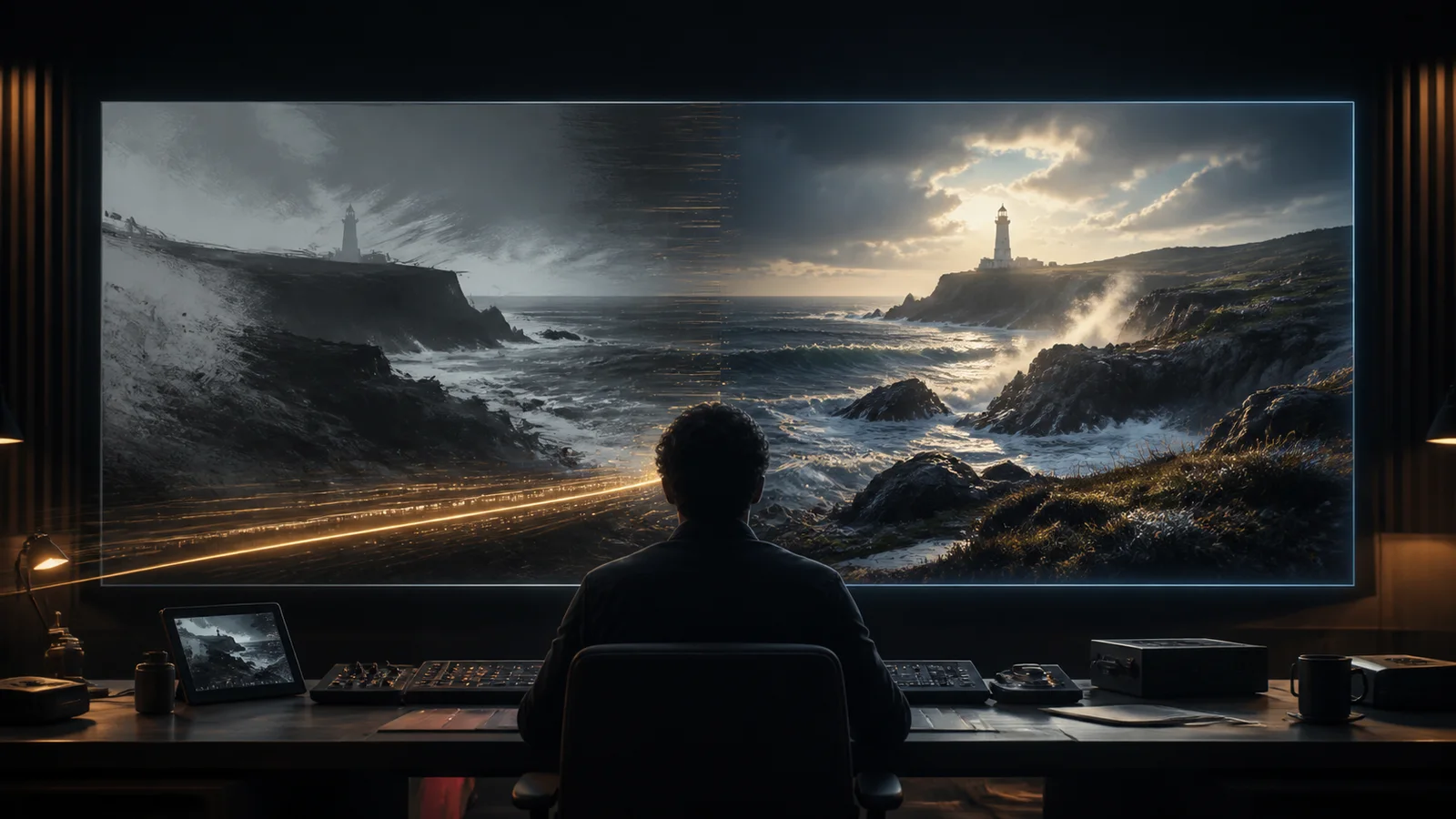
Aug 23, 2026 - 12 min read
A production guide to Seedance 2.5 at 1080p and 4K: what higher resolution unlocks for crops, delivery, compositing, and masters, plus generation, editing, references, audio, credits, and finishing.
Read article
