


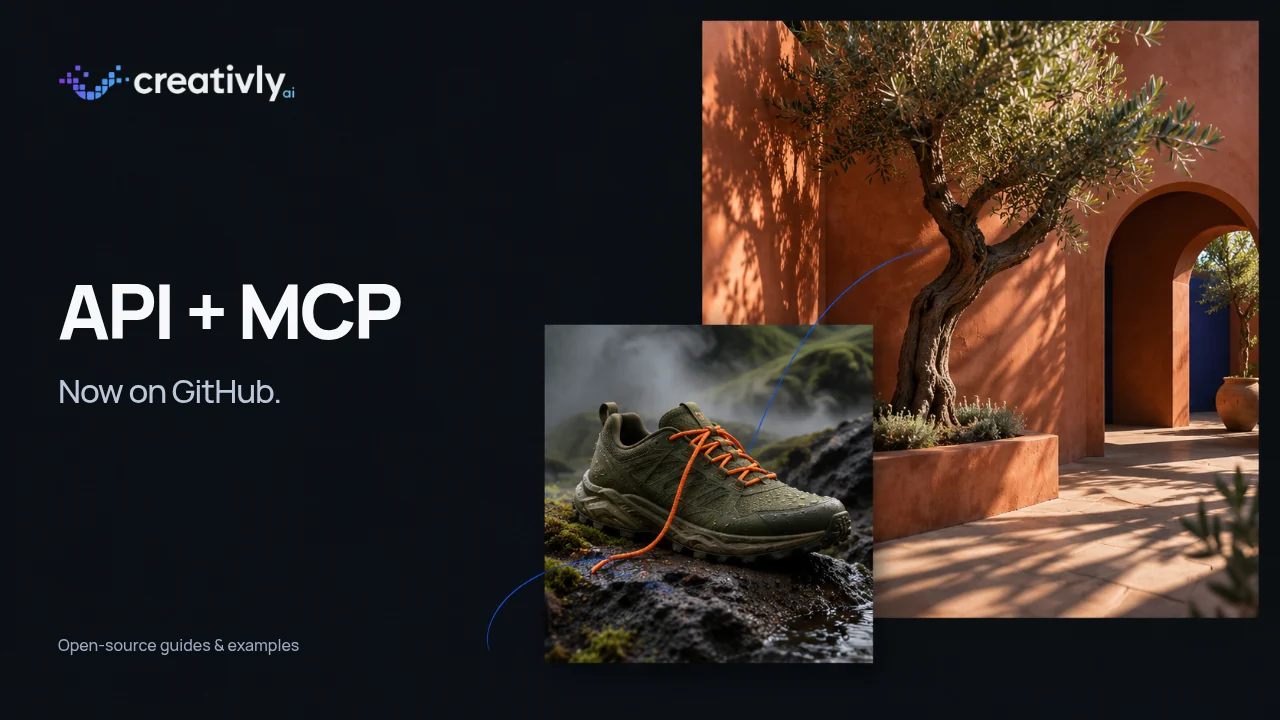
We’ve published two Creativly repositories on GitHub: one for building image and video creation into your app, and one for using those tools from your AI assistant.
They include the examples, setup guides and reference material you need to get started. You can read the code, run an example, adapt it to your project or suggest an improvement. Both are available under the MIT license.
Building an app? Start with the API repo.
You might be adding product images to a storefront, making short videos from reference photos, or building an editing tool. The API repository gives you small examples you can use as a starting point.
The Python examples use the standard library, so there’s no extra package to install. There’s also a JavaScript example for Node.js. Start by creating one image, then follow the examples for uploading and editing a photo, animating an image, or editing an existing video.
The guides cover the details that matter once you go beyond a first result: keeping related work in the same project, checking a saved job after reconnecting, and downloading the full original file. For supported video edits, there’s an example using an edited first frame alongside the original video.
Get an API key from your Creativly account menu under API Keys, keep it on your server, and follow the repository’s first request. Each generation example sets a credit cap you can review before running it.
Prefer to describe the result? Use MCP.
The MCP repository is for people who want to create from ChatGPT, Claude, Codex or Claude Code. It includes connection instructions, configuration examples and a reference for every exposed tool and its parameters.
Connect through your Creativly account, choose the projects the assistant can access and set its spending limits. You don’t need an API key for this connection. Then ask for something you want to make:
Create a launch image for a moss-green trail shoe on rain-dark volcanic rock. Give it a strong editorial feel, with a bright orange lace and low mist behind it.

You can keep going in the same conversation: change the lighting, edit a reference, or turn a chosen image into a short film. The repository explains how to keep those images and videos together in one session. Previews and playback depend on the client you’re using; saved work is also available in Creativly.
Try a still, then give it some movement.
A useful first workflow is to create an image you like, then animate that image. It gives you a chance to get the composition right before deciding what should move.
In your app, follow the image-to-video example. In a connected assistant, ask it to animate the selected image and keep the result in the same session. In either case, choose a model that supports the reference and check the current price first.
The repos are free. Generations use your credits.
You can browse, copy and adapt the guides and example code without paying for the repositories. Running a generation through the hosted Creativly service uses your existing account credits. Reading the catalog or requesting a quote doesn’t start a paid generation.
This release makes the integration guides and examples open source; the hosted service remains separate. Available models, settings and prices come from the live service, so check those when you build.
If something is unclear, open an issue or suggest a change on GitHub. A clearer example or a missing setup step is useful feedback. Please keep API keys and private account details out of public issues.
Prefer a visual walkthrough? Read the API guide or MCP connection guide on Creativly.