
Start here
Create with Creativly
Practical guides for your ideas, from the first image to a finished creative project.
Looking for a starting point? Browse Explore on Home or open the template library. Reusing an idea prepares an editable draft; it does not submit a job. Some creative previews need your own photo or clip before you can run them.
Create an image
Start from an idea or try an example.
Create a video
Make a new shot or animate an image.
Motion Transfer
Give a character a new performance.
Video Restyle / AI VFX
Explore the local mask and first-frame preview.
See it in action
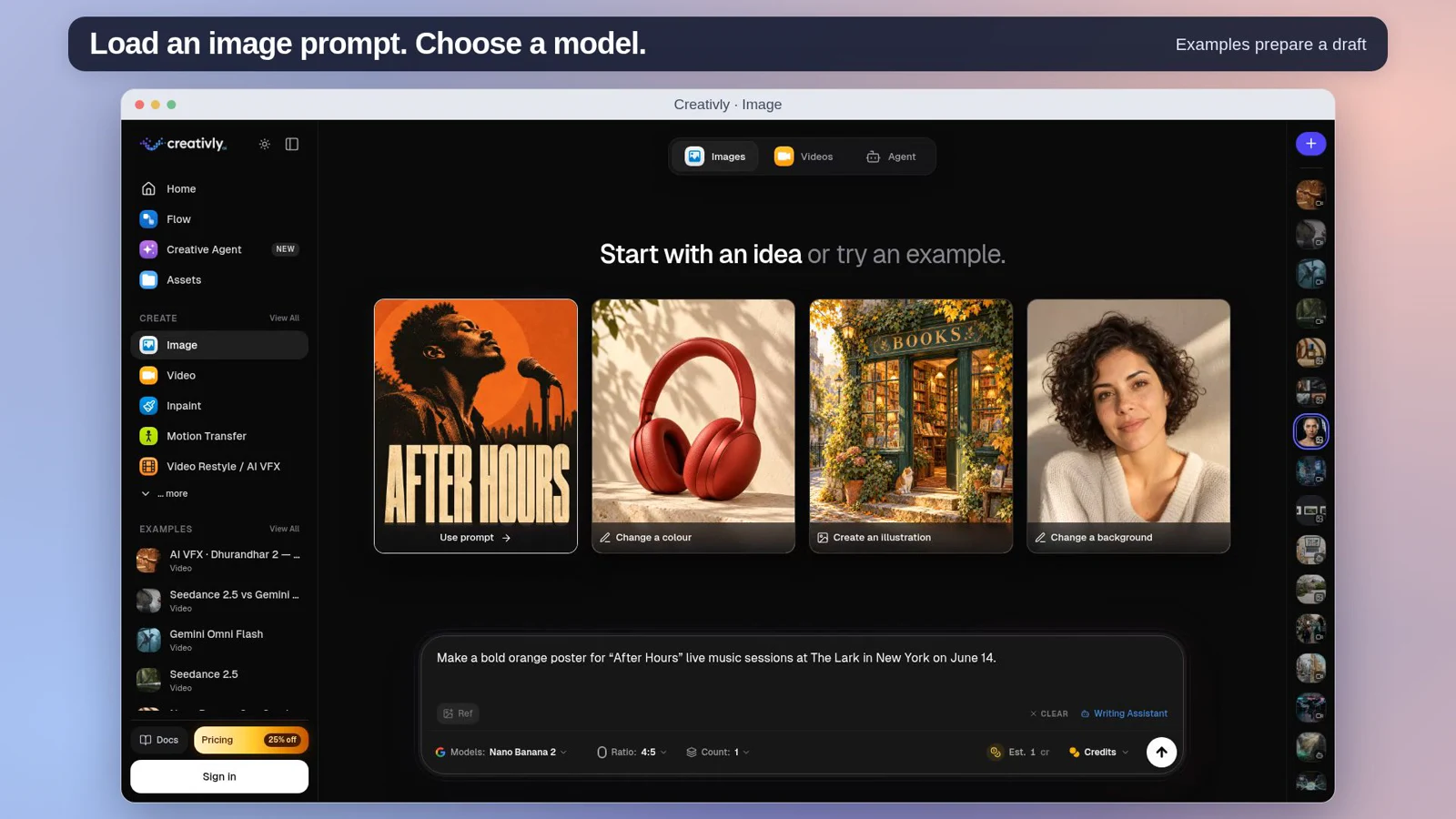
Workspace · 0:24
Tour the current tools and prepare an example prompt.
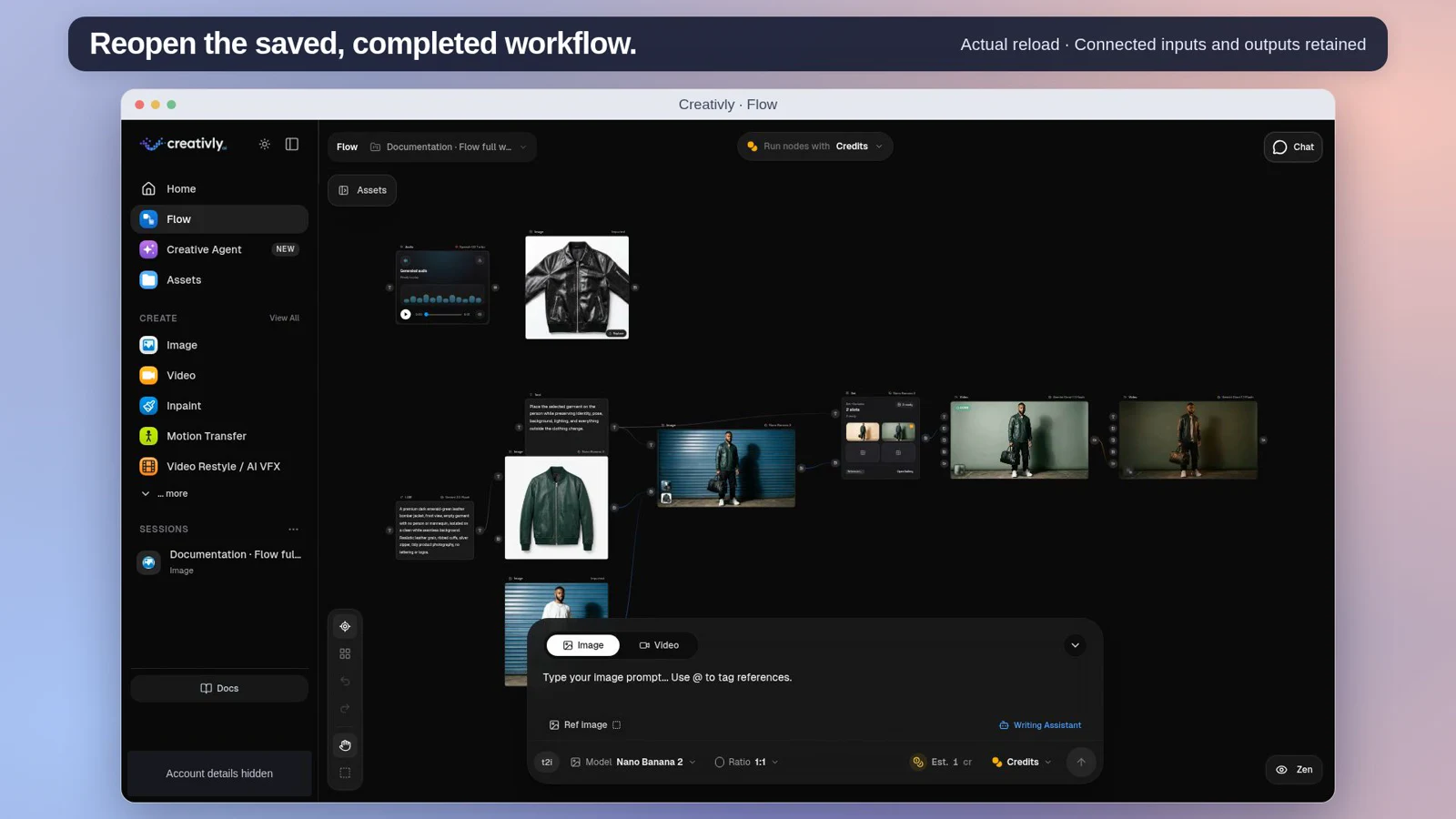
Flow · 3:38
Connect real creative steps and rerun a changed source.
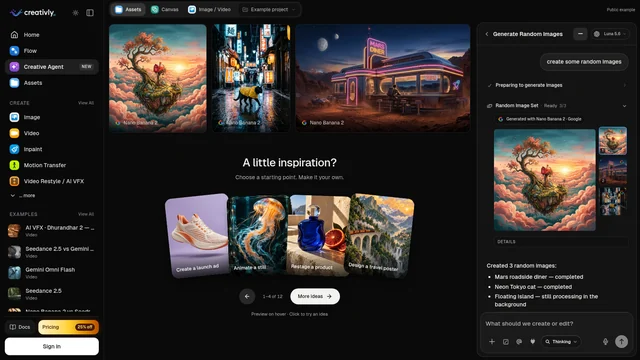
Creative Agent · 1:40
Create an image, edit the selected result and animate it.
For the current conversation and canvas experience, see Creative Agent.
Learn one useful thing
The Prompt Bar
Your prompt, model, and output settings.
References & @ mentions
Use a reference, not just a description.
Create a video
Give your idea a little motion.
First & last frames
Control where a video begins and ends.
Open in Creativly: Home ↗ · Image ↗ · Video ↗ · Flow ↗ · Creative Agent ↗