
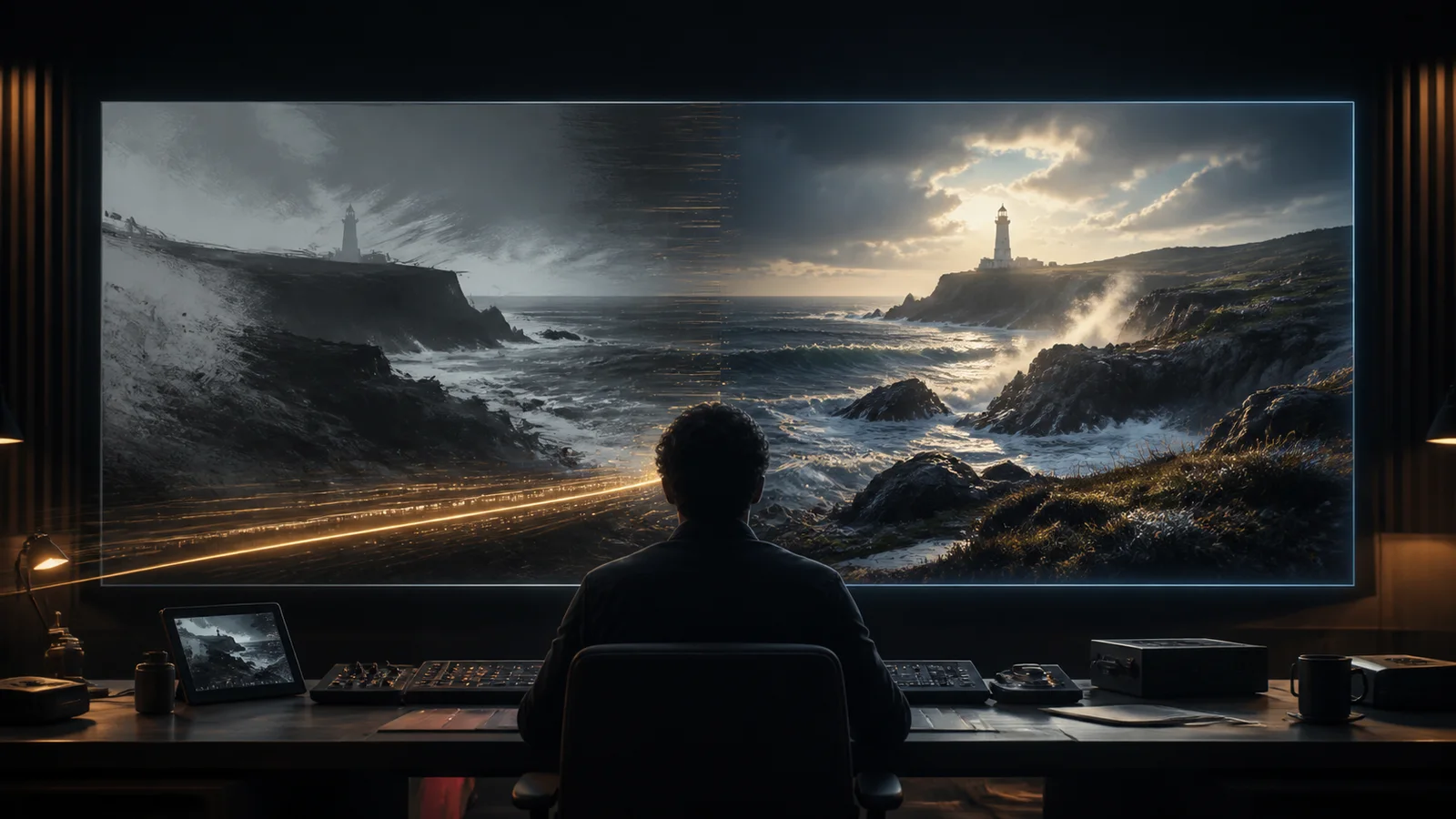
Seedance 2.5 now gives Creativly productions a real high-resolution path: choose 1080p or 4K for a new generation or a source-based video edit, then carry the selected original into reframing, compositing, and finishing. Resolution is not a substitute for direction, so this guide treats it as part of the full shot workflow—references, camera logic, duration, audio, credits, review, and human finishing.
What 1080p and 4K unlock in a real workflow
More output pixels matter after the generation window closes. A coherent 1080p or 4K result gives editorial and finishing more room to work before the image is scaled for delivery. It does not invent missing texture or repair continuity, but it can preserve the detail that survived the run.
- Detail retention. Fine edges, textures, atmosphere, and small background features have a higher-resolution source to survive encoding and display scaling.
- Crops and reframes. A larger raster leaves more latitude for a modest push-in, stabilization crop, alternate aspect ratio, or social cut without starting from an already small frame.
- Large displays and delivery. 1080p is a practical review and delivery format; 4K is useful when the intended screen, handoff, or downstream master genuinely calls for the extra pixels.
- Compositing and finishing. Masks, tracked inserts, cleanup, grain, color work, and titles benefit from keeping the highest useful original through the finishing pipeline.
- Working masters and archives. Retain the original high-resolution render alongside the edit so future versions are not forced to upscale a smaller derivative.
The tradeoff is visible before submission: higher Quality and longer billable duration use more Creativly credits. The PromptBar updates its estimate from the operation, duration, and selected 480p, 720p, 1080p, or 4K setting. Settle camera and continuity at a lower Quality when the shot is still changing; reserve 1080p or 4K for a direction worth carrying forward.
Two operations, two different contracts
Both operations start with a written direction, but they do not treat time and source media the same way. Keeping that distinction clear makes the PromptBar easier to read and prevents an edit from being planned like a fresh generation.
Text-to-video generation
Generation requires a prompt and exposes a whole-second Length from 4 to 30 seconds. It supports 16:9, 9:16, 4:3, 3:4, 1:1, and 21:9 output. Start from text alone, or add image, video, and audio references when the shot needs more concrete visual, motion, or sound direction.
- Reference videos share a 30-second combined input ceiling.
- Reference audio files also share a 30-second combined ceiling.
- Generated synchronized audio is enabled by default and can be turned off.
- The requested Length controls the output; reference-video time is a separate input constraint.
Source-based video editing
Editing requires one source video and an edit instruction. Optional image and audio references can clarify a material, object, character, or sound, but there is no separate Length or aspect-ratio choice. The result follows the source clip's shape and normalized duration.
A source shorter than four seconds is padded to four; a source longer than 30 seconds is trimmed to 30. When generated audio is disabled, the edit preserves the source video's existing audio. That makes the audio toggle a production decision rather than a cosmetic setting.
References work best when each has one job
A larger reference pack is not automatically a clearer one. Use a small set with distinct responsibilities: one image for subject or product identity, another for material or environment, a video for motion, and an audio clip for rhythm or atmosphere. Near-duplicate references can compete without adding useful direction.
Reference quality matters. Crop out unrelated subjects, avoid heavily compressed source clips when continuity is important, and check that the visual properties named in the prompt are actually visible in the source. For edits, write the change and the invariants separately: first say what must change, then state what must remain untouched.
Prompt the shot like a sequence
A practical prompt identifies the subject and setting, then describes the action in time: what happens first, what changes, how the camera responds, and how the shot ends. Add style, lens, lighting, and sound after the physical logic is clear. For a multi-stage scene, short time-based beats are easier to review than a single paragraph of unrelated spectacle.
- Lock the camera relationship. Name a fixed mount, dolly, pan, or handheld behavior and say when it changes.
- Protect continuity. Repeat the geometry, people, wardrobe, reflections, and lighting that must persist.
- Separate audio direction. Close with the ambience, effects, or source-audio behavior the shot needs.
- Keep the beat count realistic. Four seconds carries one clear action; a longer sequence can support transitions and a reveal.
Four real high-resolution motion studies
These completed Seedance 2.5 clips use related train prompts to test a difficult combination: a stable carriage and camera relationship while the exterior world changes at speed. They are examples, not benchmarks. Three are 1080p and the shorter third clip is 720p; no supplied example is labelled 4K. All four retain their original audio and model-rendered markings.
Window-mounted world transition
1080p · 30.0 secondsA fixed window-and-carriage frame carries the viewer from dense forest into crystalline and space-like environments. The camera relationship stays legible while the world outside changes.
View exact prompt
Create an epic, hyper-realistic journey aboard a fast-moving train as it passes seamlessly through a series of extraordinary worlds. The primary view comes from a side-facing GoPro mounted to the window, with a glimpse of the carriage and passengers framing the landscapes outside. Let the train rattle and sway with believable turbulence as vibrant rainforests, bioluminescent valleys, crystalline deserts, storm-lit mountains, and other imaginative environments sweep past. Maintain consistent train geometry, passengers, camera position, reflections, parallax, motion blur, and changing light. Make each transition fluid, cinematic, richly colored, immersive, and physically convincing. No abrupt cuts, camera drift, warped passengers, text, logos, or watermarks.
Bullet train across multiple worlds
1080p · 30.1 secondsWindow-mounted and exterior bullet-train angles move through forest, prehistoric, city, castle, and cosmic settings. The wider shot changes make this the most ambitious continuity test in the set.
View exact prompt
Create an epic, hyper-realistic journey aboard a high-speed bullet train as it races through a sequence of spectacular worlds. Use a side-facing GoPro mounted to the window as the primary perspective, showing a glimpse of the carriage and passengers while the landscapes remain the focus. Transition through worlds inspired by Zootopia, Jurassic World, Harry Potter, and Marvel: a futuristic animal metropolis, lush prehistoric valleys with a T. rex and brachiosauruses, enchanted castles and forests, and vast superhero-scale cityscapes. Add occasional wide exterior shots of the bullet train surging past the camera and entering the next world. Preserve the train, passengers, camera logic, speed, reflections, parallax, motion blur, lighting, and natural vibration across every transition. Keep the result fluid, cinematic, vibrant, immersive, and physically believable. No abrupt cuts, warped passengers, camera drift, text, logos, or watermarks.
Short-form multi-world train cut
720p · 15.1 secondsA shorter cut moves quickly between platform, exterior, forest, fantasy-city, and science-fiction corridor views. It is the only 720p example in this set.
View exact prompt
Create an epic, hyper-realistic journey aboard a high-speed bullet train as it races through a sequence of spectacular worlds. Use a side-facing GoPro mounted to the window as the primary perspective, showing a glimpse of the carriage and passengers while the landscapes remain the focus. Transition through worlds inspired by Zootopia, Jurassic World, Harry Potter, and Marvel: a futuristic animal metropolis, lush prehistoric valleys with a T. rex and brachiosauruses, enchanted castles and forests, and vast superhero-scale cityscapes. Add occasional wide exterior shots of the bullet train surging past the camera and entering the next world. Preserve the train, passengers, camera logic, speed, reflections, parallax, motion blur, lighting, and natural vibration across every transition. Keep the result fluid, cinematic, vibrant, immersive, and physically believable. No abrupt cuts, warped passengers, camera drift, text, logos, or watermarks.
Passenger-window continuity study
1080p · 16.1 secondsPassenger-window framing persists through fog, aurora-lit architecture, floating landscapes, and a final space environment, with the carriage acting as the visual anchor.
View exact prompt
Create an epic, hyper-realistic journey aboard a high-speed bullet train as it races through a sequence of spectacular worlds. Use a side-facing GoPro mounted to the window as the primary perspective, showing a glimpse of the carriage and passengers while the landscapes remain the focus. Transition through worlds inspired by Zootopia, Jurassic World, Harry Potter, and Marvel: a futuristic animal metropolis, lush prehistoric valleys with a T. rex and brachiosauruses, enchanted castles and forests, and vast superhero-scale cityscapes. Add occasional wide exterior shots of the bullet train surging past the camera and entering the next world. Preserve the train, passengers, camera logic, speed, reflections, parallax, motion blur, lighting, and natural vibration across every transition. Keep the result fluid, cinematic, vibrant, immersive, and physically believable. No abrupt cuts, warped passengers, camera drift, text, logos, or watermarks.
Where it fits in a production workflow
Seedance is most useful as an addition to an existing process: idea exploration, previs, motion and camera studies, editorial alternatives, compositing references, and effects-heavy visual development. A generated clip can answer “does this direction work?” quickly, then move into a timeline with the references and decisions that shaped it.
It does not remove the need for directors, cinematographers, editors, artists, VFX teams, or finishing. Continuity can still drift, complex transitions may need several attempts, and a high-resolution render still deserves human review, color, sound, stabilization, compositing, and a deliberate edit before delivery.
A restrained working sequence
- Choose generation or edit before writing the shot direction.
- Add only the references with a distinct role in the result.
- Run a short lower-resolution continuity test when the shot is still changing.
- Review action, camera, identity, audio, and artifacts—not resolution alone.
- Refine one problem at a time, then choose the final Quality and check the visible credit estimate.
- Carry the selected clip into editorial and finishing with its source assets intact.
Frequently asked questions
How long can a Seedance 2.5 video be?
Text-to-video accepts whole-second lengths from 4 to 30 seconds. Video editing has no separate Length setting: its output follows the normalized source duration, padded to 4 seconds when shorter and trimmed to 30 seconds when longer.
Which aspect ratios are supported?
Text-to-video supports 16:9, 9:16, 4:3, 3:4, 1:1, and 21:9. Video editing follows the source video shape rather than asking for a new aspect ratio.
Can I guide a run with reference media?
Generation can use optional image, video, and audio references. Reference videos must fit within a 30-second combined limit, and reference audio has the same combined ceiling. Editing accepts one source video plus optional image and audio references.
What happens to audio during an edit?
Generated audio is enabled by default. For an edit, turning generated audio off preserves the existing source-video audio.
How are Creativly credits estimated?
Use the credit estimate shown in the PromptBar. It updates from the operation, billable duration, and selected Quality before submission; high-resolution and longer runs require more credits.
Start with the shot, then choose the finish
Open a Creativly Video session, choose Seedance 2.5, and decide whether you are generating a new shot or editing a source. Keep the first run focused; the best Quality setting is the one that matches the current stage of the work.