
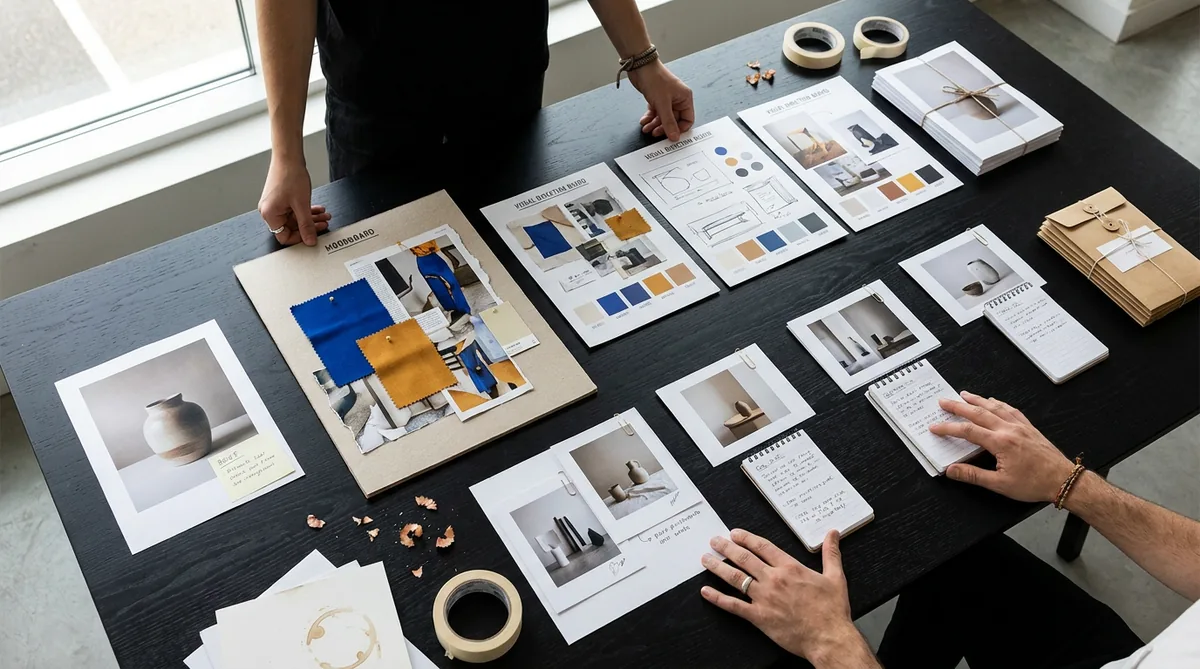
Most creative AI tools are excellent at producing a moment: an image, a clip, a paragraph, a slide. Real creative work is everything around that moment. The brief changes. References arrive late. Three directions need comparing. One is approved, then revised. Copy, production notes, client files, and channel formats still have to leave the building together.
Creativly Agent is built for that whole job. It works beside you on an infinite canvas where the source material, thinking, alternatives, edits, documents, and final deliverables remain visible. Instead of asking you to reconstruct the project from a chat transcript, it turns its work into objects and files that live in the room with you.
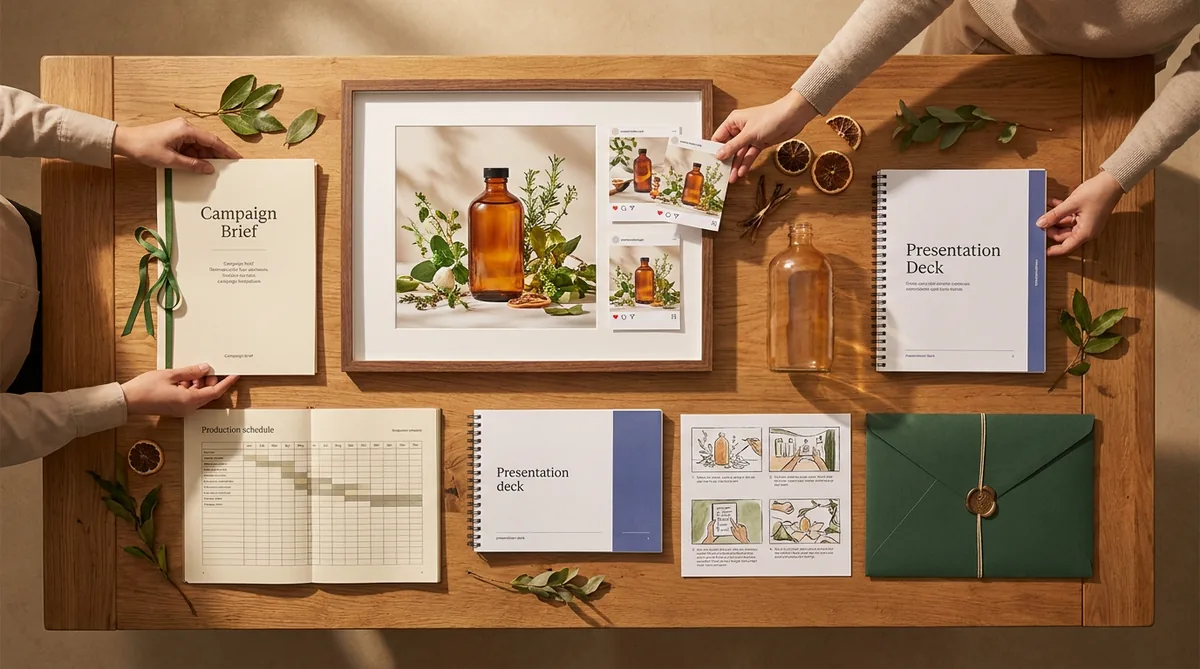
Bring the brief. Leave with the campaign pack — and keep the whole job visible in one room.
That is the product idea: not another prompt box, but a creative production room where the agent can research, make, revise, organize, and prepare the handoff while you direct the work.
The problem is not a shortage of AI tools
A small studio can already generate an image in one app, animate it in another, write copy in a chatbot, collect feedback in messages, keep references in a folder, and build the final deck somewhere else. The individual steps are possible. The expensive part is the coordination between them.
Every handoff creates another chance to lose context: the wrong crop gets approved, a sponsor requirement disappears in a thread, the refined image is separated from its source, or the person preparing delivery cannot tell which route the team chose. Creativly Agent is designed to reduce that reconstruction work.
What Creativly Agent actually is
Three pieces work together: a visual workspace, an agent that can operate on the material inside it, and a file-backed execution environment for producing real deliverables.
The canvas
Briefs, references, notes, images, files, sections, and nested canvases stay spatially organized and easy to review.
The agent
You direct the job in natural language. It reads the working context, plans the next move, and acts on the same workspace.
The outputs
Supported images, edits, Markdown, PDFs, Word files, presentations, spreadsheets, and other artifacts become part of the project.
The practical difference is simple: when the agent creates a document or image, that work does not have to remain trapped in its answer. It can appear on the canvas, beside the sources and decisions that produced it, ready to inspect, select, edit, share, or use in the next instruction.
What you can do with it
Bring context
Type or speak naturally; attach briefs, images, video, audio, links, and ordinary files; select exact canvas objects as references.
Research and inspect
Search and fetch public sources, read supplied material, inspect images, and keep evidence beside the direction it shaped.
Create media
Generate image routes, edit a selected source, inspect results, organize batches, and create supported video with dedicated media models.
Create files
Write editable notes and produce supported PDF, Word, PowerPoint, spreadsheet, HTML, image, video, audio, and archive deliverables.
Structure the room
Create nested canvases, documents, sticky notes, text, links, sections, groups, and spatial comparison boards.
Revise precisely
Point at the exact source, request a bounded change, preserve alternatives, and continue from the visible result instead of starting over.
Collaborate and share
Work with workspace members on the live canvas, search project assets, and share supported documents by read-only or editable link.
Connect and control
Use connected work and social tools where enabled, see progress as work runs, and confirm consequential sends or publishing actions.
Start with messy, mixed context
Drop in a rough brief, a product shot, screenshots, reference links, campaign notes, or an existing document. Select the material that matters and talk to the agent as you would talk to a creative collaborator: “Give me three directions,” “keep this pack exactly unchanged,” or “turn this into something my producer can use.”
Generate, compare, and revise visual work
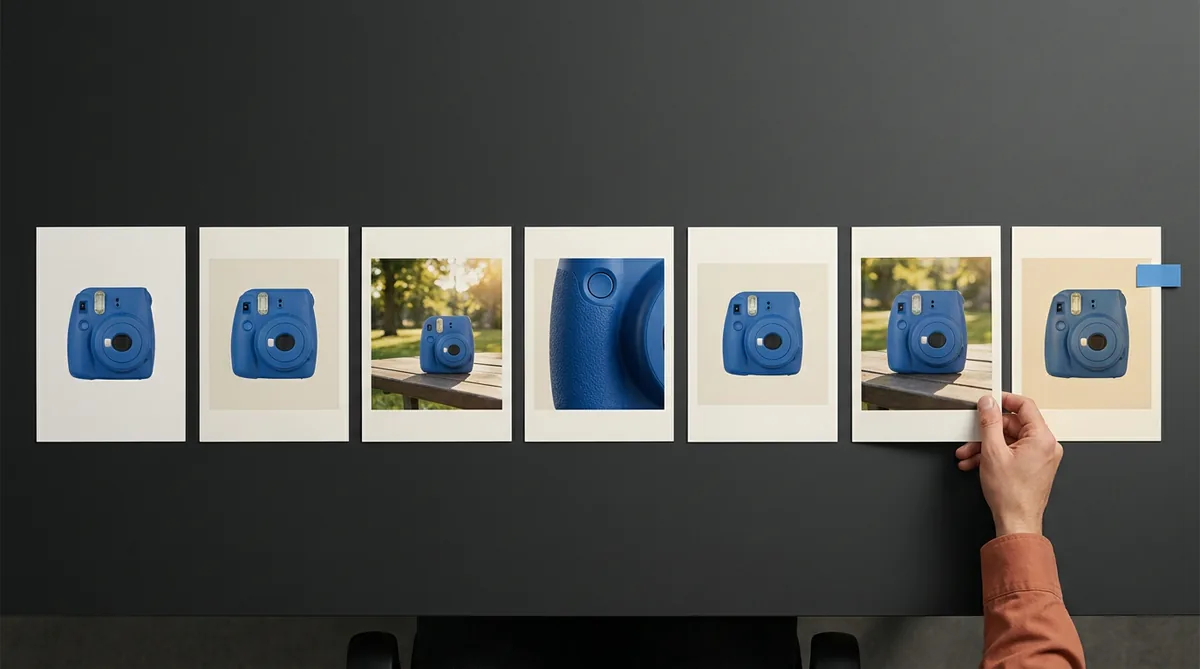
The agent can create organized batches of images, inspect results, and edit a selected source. That selection step matters: you can point at the exact route worth keeping instead of describing it again from memory. Alternatives stay available for comparison rather than disappearing as soon as the conversation moves on.
Create motion without separating it from the campaign
Supported video generation lives in the same creative workflow as the stills and brief. An approved frame can become the starting point for motion, while the source image, prompt, result, and wider launch context remain available in the room. Image and video jobs run through their own media models, so the conversation model can focus on planning and direction.
Move from media into working deliverables
A campaign rarely ends with a JPEG. Creativly Agent can prepare editable notes and supported delivery files such as PDF, DOCX, PPTX, XLSX, HTML, and Markdown. The aim is not to manufacture every format for every job; it is to create the artifact the next person genuinely needs.
Research and structure the decision
Some jobs begin with uncertainty rather than a visual. The agent can research public sources, process supplied material, separate evidence from creative interpretation, and turn the result into a visible direction, comparison, workshop, or decision memo. It is useful even when no AI image is required.
Use different models without rebuilding the room
Conversation models and media models do different jobs. Creativly keeps the reasoning choice deliberately focused while image and supported video generation use the model suited to the task. The room — the brief, references, selections, and files — stays attached when the model changes.
Bring connected work into the process
Connections include tools such as Google Drive, Google Docs, Notion, Slack, Gmail, Instagram, TikTok, and YouTube. Availability depends on the account and action, and consequential sends or public publishing steps are designed to stop for confirmation. The agent can prepare the work; you remain responsible for what leaves the room.
Collaborate live and share the useful part
Workspace members can work on the same canvas, see the project state, and review options without receiving a flattened export after every change. When the useful output is a document, it can be shared through a dedicated read-only or editable link instead of exposing the whole workspace.
Use a real execution environment for the mechanical work
Underneath the canvas, supported workspace artifacts are projected into an isolated file environment where the agent can use document and command-line tools. That is what allows it to do more than describe a delivery pack: it can create files, convert formats, inspect dimensions, validate an archive, or apply a repeatable operation across a batch. The technical machinery stays behind the interface; the user asks for the outcome in ordinary language.
A job from brief to delivery
- Bring in the source. Put the brief, product photography, references, constraints, and required deliverables on one canvas.
- Make the routes visible. Ask for several distinct directions and organize them into sections that a collaborator can compare at a glance.
- Select and refine. Choose the strongest asset, request a focused edit, and preserve both the original and the alternatives.
- Complete the pack. Produce the copy, working documents, channel formats, checklist, and handoff files the job requires.
- Review the boundary. A human approves the creative decision and any consequential action outside the workspace.
Who benefits most
The strongest fit is not someone searching for the cheapest single image. It is the person acting as the connective tissue in a creative business — translating between the brief, the maker, the reviewer, the client, and delivery.
- Creator studios and micro-agencies running repeated sponsor, client, or launch campaigns across several formats.
- Creator-led brands that need product imagery, campaign copy, variations, and partner handoffs to stay coherent.
- Podcast and YouTube teams turning one episode into thumbnail routes, show notes, sponsor checks, and production documents.
- Boutique hospitality, property, food, and lifestyle teams combining research, source photography, campaign imagery, listings, and media kits.
- Independent commissioned creatives who need client choices, refinements, scope, and consultation notes to remain legible.
- Small research and service-design consultancies preparing evidence-led synthesis and workshops from appropriately anonymized material.
Six genuine ways to use the room
Brief to campaign pack
Extract the obligations, build creative routes, refine the chosen source, and prepare the client-ready handoff without losing the requirements that started the job.
One episode to launch kit
Keep the source, thumbnail concepts, selected edit, title options, show notes, sponsor restrictions, PDF, and Word handoff together.
A controlled creative test board
Explore hooks, audiences, ratios, and art direction as a labeled comparison, then retain the branches and the reasoning behind the winner.
Research-led hospitality launch
Collect credible references, distinguish real facts from the campaign story, develop the visual territory, and prepare listing or partner collateral.
Client consultation room
Create several directions, record what is fixed or flexible, refine the client-selected route, and turn the conversation into a usable consultation pack.
Evidence-led workshop preparation
Turn anonymized notes into traceable themes, counter-evidence, a challenged hypothesis, workshop material, and a blank decision record.
Why the canvas matters
The canvas is not decoration around the chat. A sticky note can keep a non-negotiable where nobody misses it. A section can turn six generations into a readable comparison. A nested canvas can isolate one channel or client branch. A source link can remain beside the claim it shaped. An editable document can become the actual brief rather than a response someone still has to copy elsewhere.
Most importantly, selection makes iteration concrete. You can point at the object you mean. The conversation becomes less about describing the state of the work and more about deciding what should happen next.
The human is still the creative director
Creativly Agent is powerful because it can act, but useful agency is not the same as surrendering judgement. The human chooses the direction, validates important facts, reviews generated media, decides what is approved, and controls consequential external actions. The product should make those decisions easier to see — not hide them behind autonomy theatre.
What beta means
Model output can vary, some generations take time, provider availability can change, and an ambitious job may need a retry or a more focused instruction. Treat important facts, client work, and public output with normal professional review. The goal of the beta is to learn which complete jobs people return to the room to finish — not to pretend every task should run unattended.
Creativly Agent FAQ
What is Creativly Agent?
Creativly Agent is an AI creative agent that works with briefs, references, media, notes, and files on an infinite canvas. It can research, create, revise, organize, and prepare supported deliverables while the user directs the work.
Who is Creativly Agent for?
It is designed for creators, micro-agencies, creator-led brands, production teams, commissioned creatives, and small consultancies whose work spans several assets, formats, reviewers, and handoff steps.
Can Creativly Agent generate and edit images and video?
Yes. It can generate organized image directions, edit a selected source image, inspect visual outputs, and create supported video through the media pipeline. Available media models and controls can vary by provider and account.
What files can Creativly Agent create?
Alongside images and supported video, it can create editable Markdown and supported delivery formats including PDF, DOCX, PPTX, XLSX, and HTML. The best workflow creates only the formats the real job needs.
Can Creativly Agent research the web?
Yes. It can search and fetch public web material, work with supplied files, and organize findings on the canvas. Important facts and consequential decisions should still receive professional human review.
Can a team collaborate and share work?
Yes. Workspace members can collaborate on the same canvas, and supported documents can be shared by link as read-only or editable. Access depends on workspace membership and the share settings chosen by the owner.
Does Creativly Agent publish or send work automatically?
Connected tools can support external workflows, but consequential sends and public publishing steps are designed to stop for confirmation. The user remains responsible for approving what leaves the workspace.
How is Creativly Agent different from a chatbot?
A chatbot mainly returns messages. Creativly Agent works in a persistent visual production room where sources, alternatives, selected edits, working documents, and delivery files stay visible and reusable throughout the job.
A creative workbench, not a chat log
Creativly Agent is at its best when the job has a beginning, a set of choices, and a real handoff at the end. Bring one upcoming brief. Let the agent build beside you. Keep the alternatives, make the decision visible, and leave the room with work another person can actually use.
If that sounds like the missing layer between your ideas and delivery, open Creativly Agent and start with a real job.