

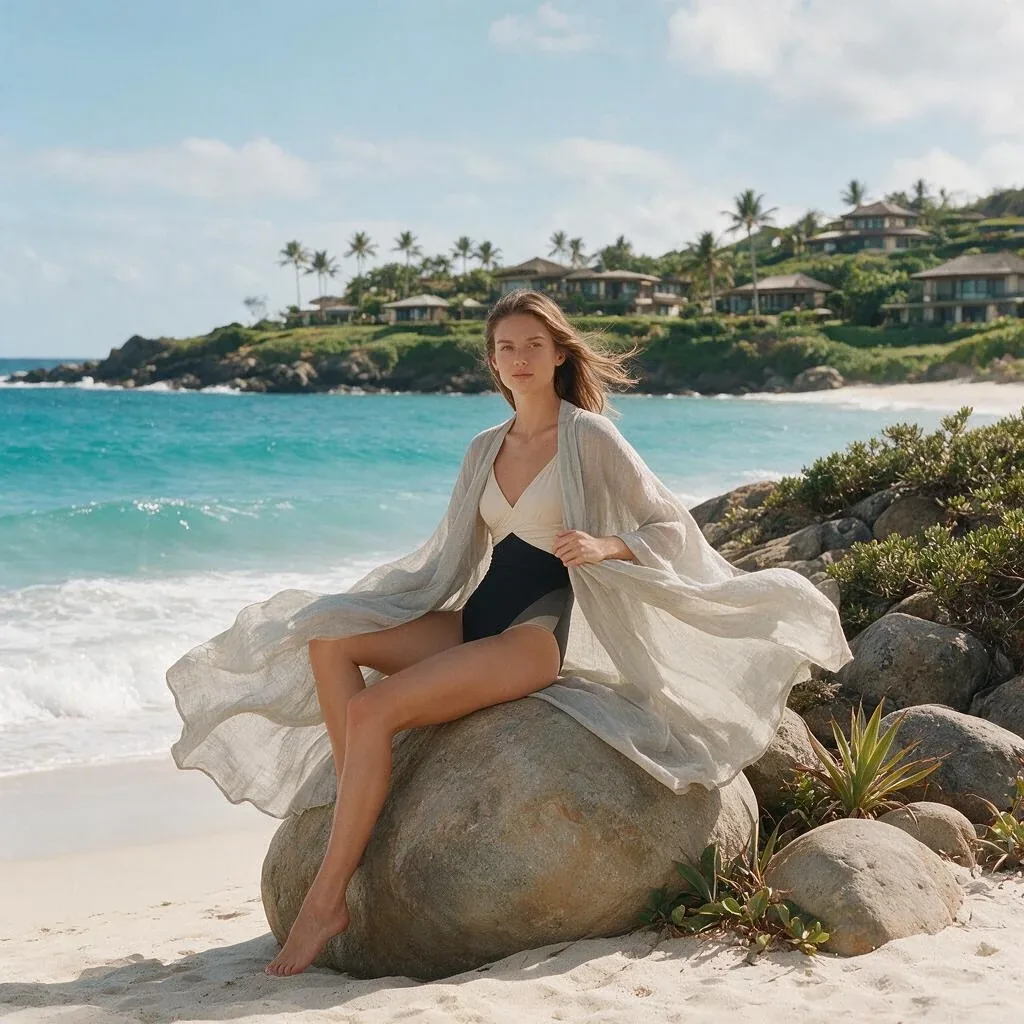
Seedream 5 is now available in Creativly for polished image generation and precise multi-image editing. It is built for dense compositions, photographic detail, designed graphics, and multilingual text that needs to stay readable.
Generate finished visuals from a prompt
Use Seedream 5 for campaign art, product scenes, editorial imagery, posters, infographics, environments, and concept work. Describe the subject, layout, lighting, visual hierarchy, and exact wording in one prompt, then choose the format that fits the final placement.
Edit with up to 10 images
Seedream 5 Edit accepts one source image or a pack of up to 10 images. Use them to preserve a person or product, combine visual elements, transfer art direction, change a setting, revise a layout, or build a new composition from approved campaign material.
- Keep identity consistent: carry the same person, product, wardrobe, or design language into a new scene.
- Make directed revisions: state what must remain unchanged, then describe the replacement, addition, or layout change.
- Combine references: give each image a clear role, such as subject, environment, styling, material, or composition.
Flexible output for real layouts
Generate at 1K, 1.5K, or 2K in JPEG or PNG, with formats ranging from square and portrait to 21:9 widescreen. When an edit does not specify a ratio, Seedream 5 follows the closest supported shape to the first image.
Use Seedream 5 in Creativly
Choose Seedream 5 in an Image session, ask the Agent to generate or revise an image, or add it to a repeatable Flow. Run it with Creativly credits or connect your own WaveSpeed key.