 Creative Agent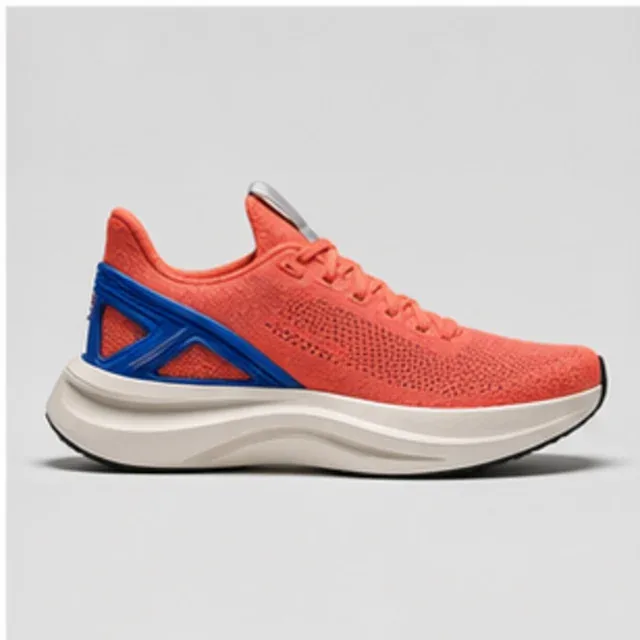
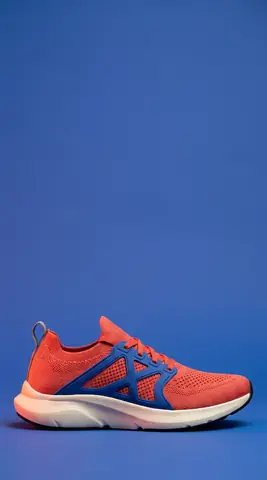
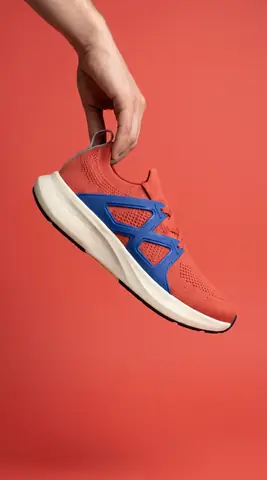
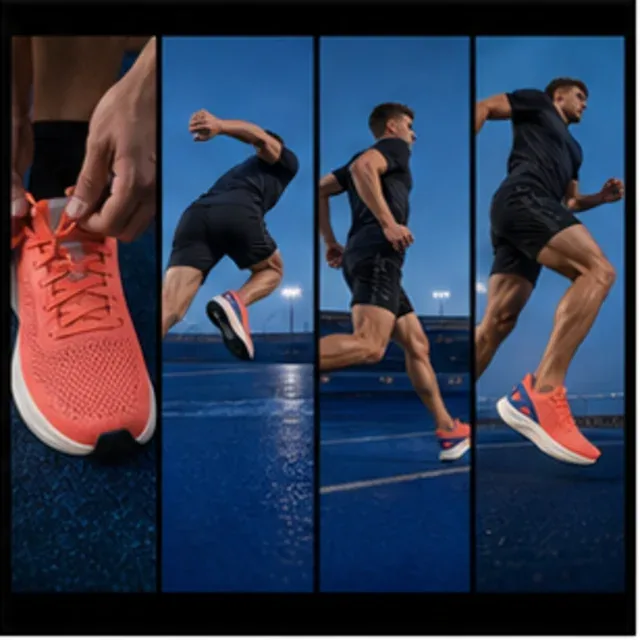 0:08
0:08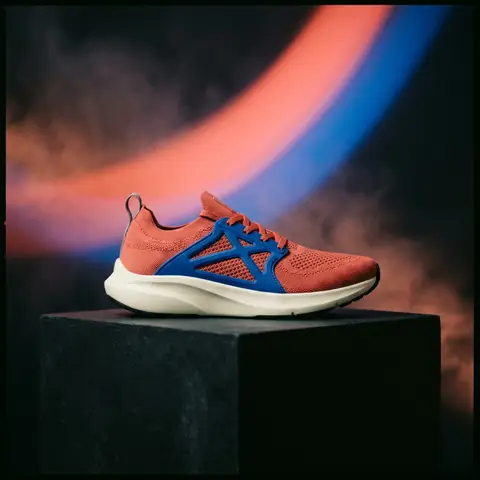 0:06
0:06 ORBIT launch.md
 ORBIT R1 brief.pdf
 Placement matrix.html
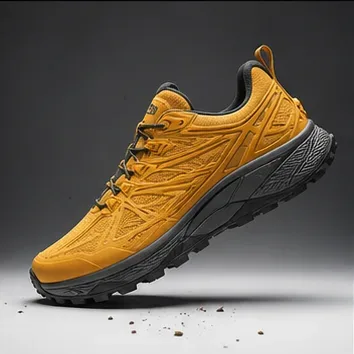
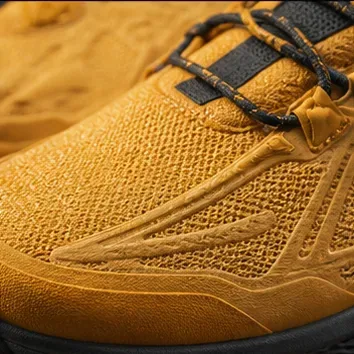

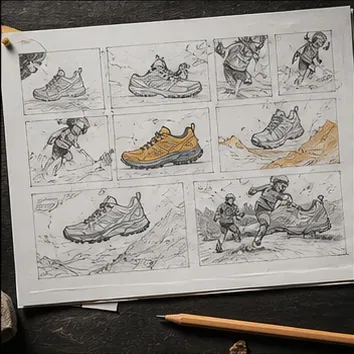

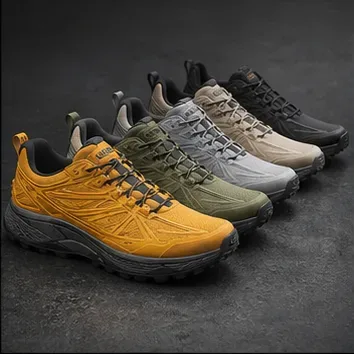




Brand worlds, explored fully
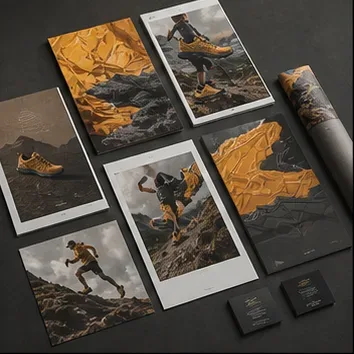
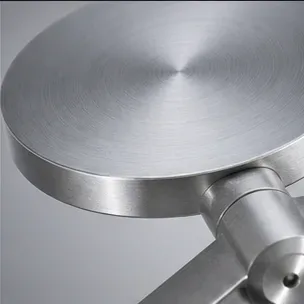
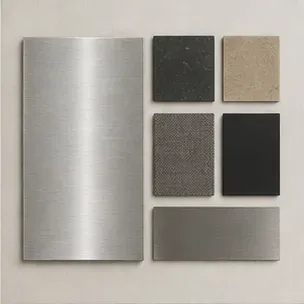
Hand the agent one brand kit and get a season of coherent visuals back — every variation still unmistakably yours.
Drop briefs, product shots, and rough ideas onto an infinite canvas. The agent turns them into moodboards, image routes, captions, and campaign-ready assets — writing and arranging right beside you, in real time.
Questions or ideas? Join us on Discord ➜Plugged into the tools your team already lives in.
 Instagram
It lives inside the work — carrying your brief from the first moodboard to the final asset.
Brand voice, references, and briefs travel with every run.
Everyone works the same surface at once — humans and agent alike.
A season’s worth of assets from a single small team.
Saved workflows, team spaces, and connected actions — the workbench keeps getting sharper.
Turn what worked into reusable skills.
One home for members, canvases, and spend.
Any doc, public in one click — edit or view.
Select finished files, then review exactly what leaves the workspace.
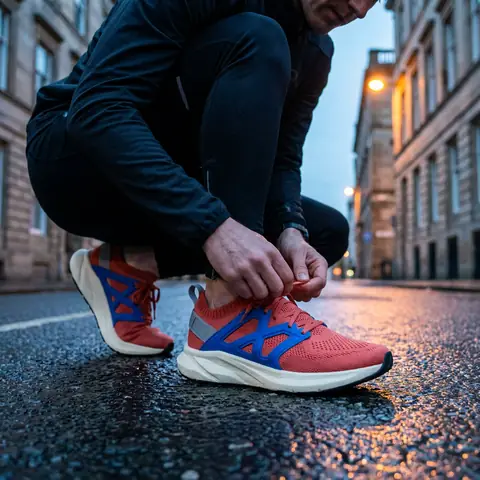
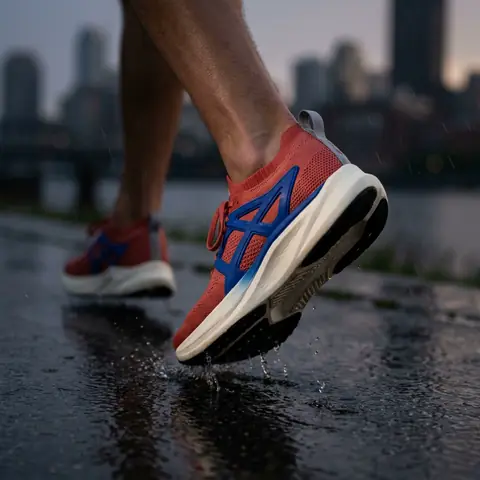
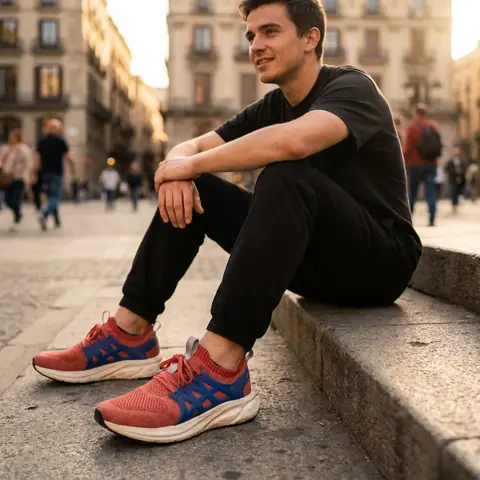
Hand the agent one brand kit and get a season of coherent visuals back — every variation still unmistakably yours.
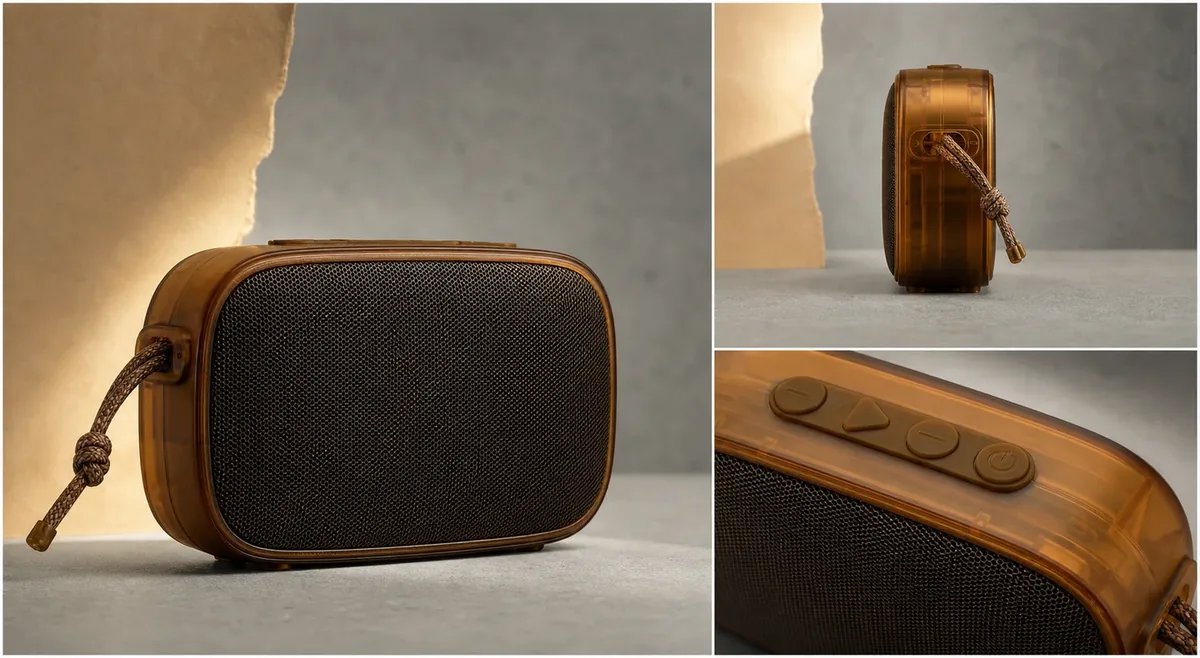
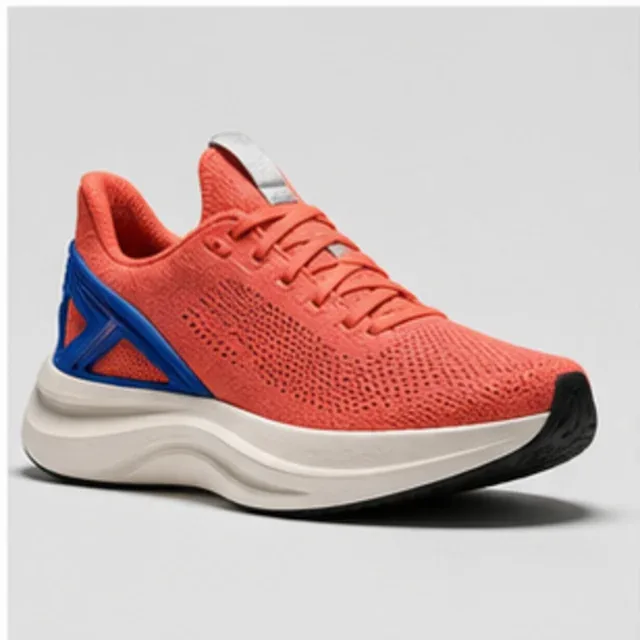
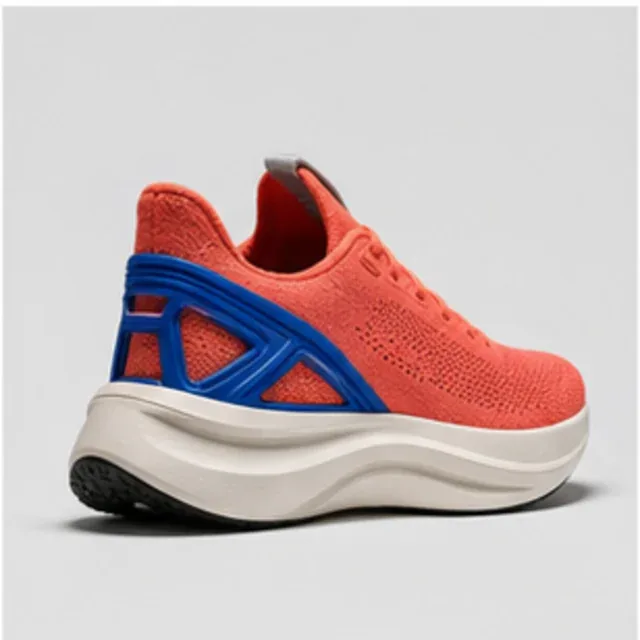
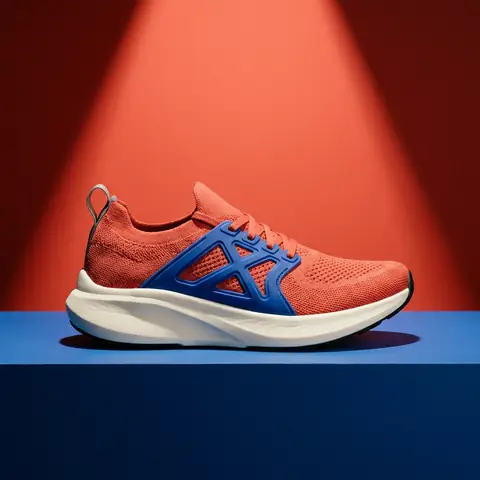
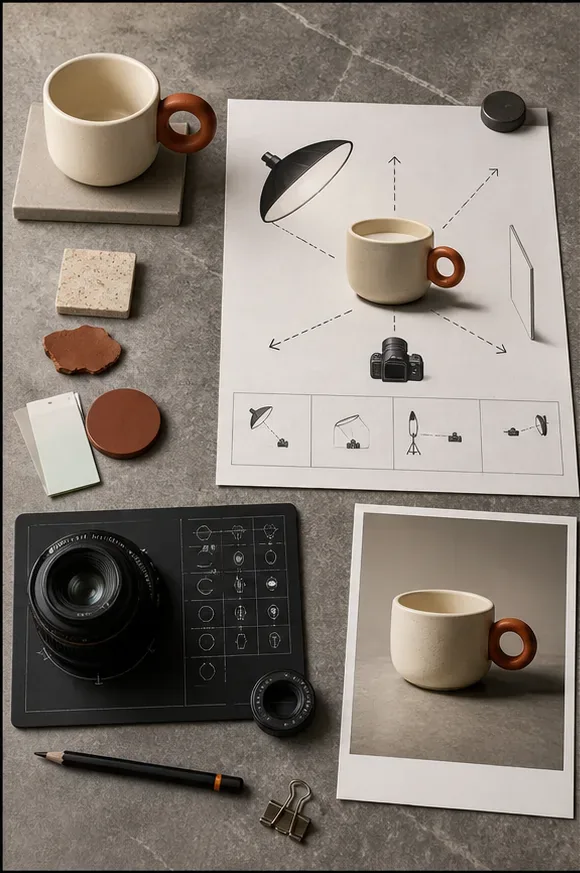
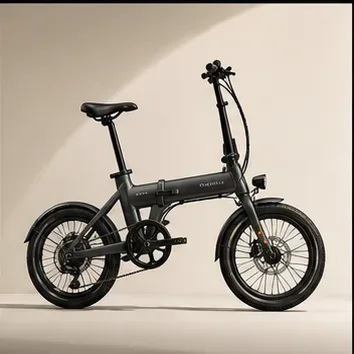
One product, photographed consistently for wherever it has to appear — listing, ad, or shelf.
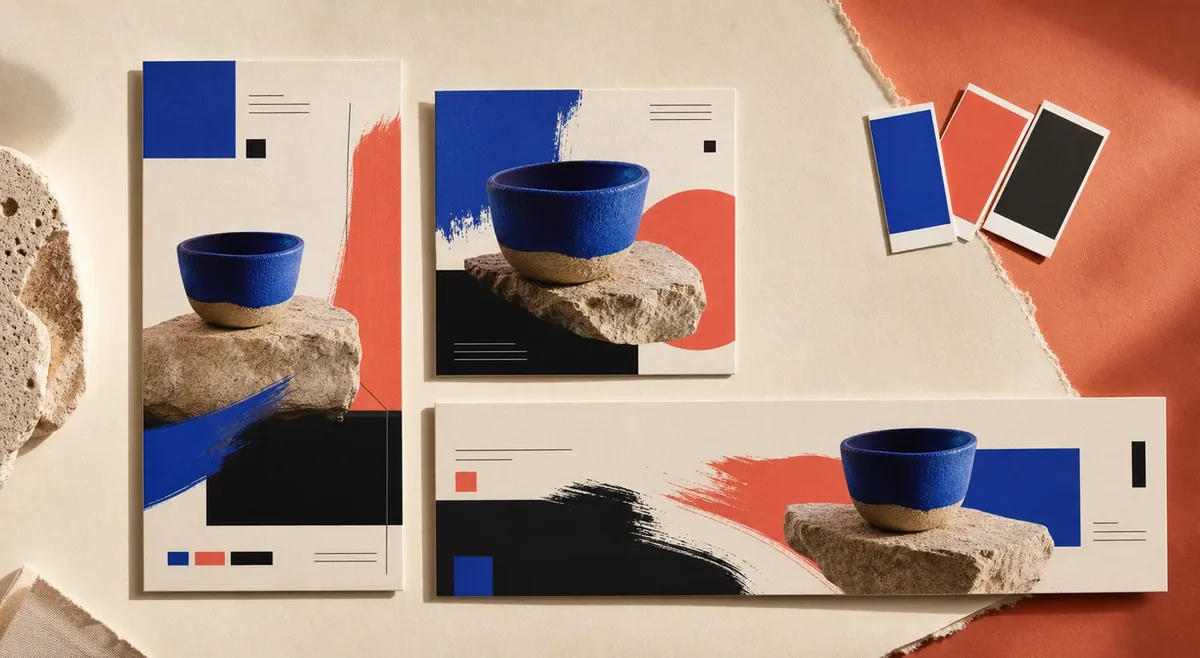
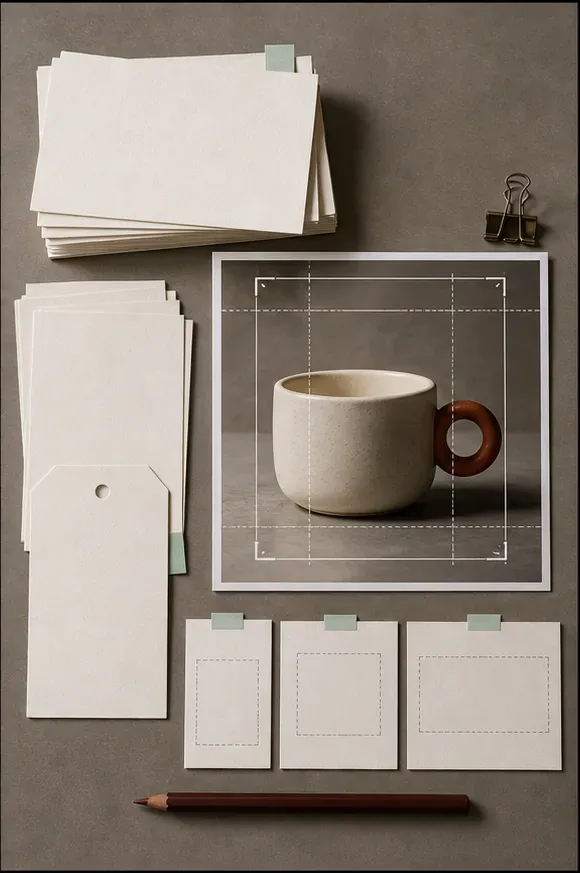
Shape one campaign into distinct hooks, copy, crops, and layouts for each placement — all organized beside the source brief.
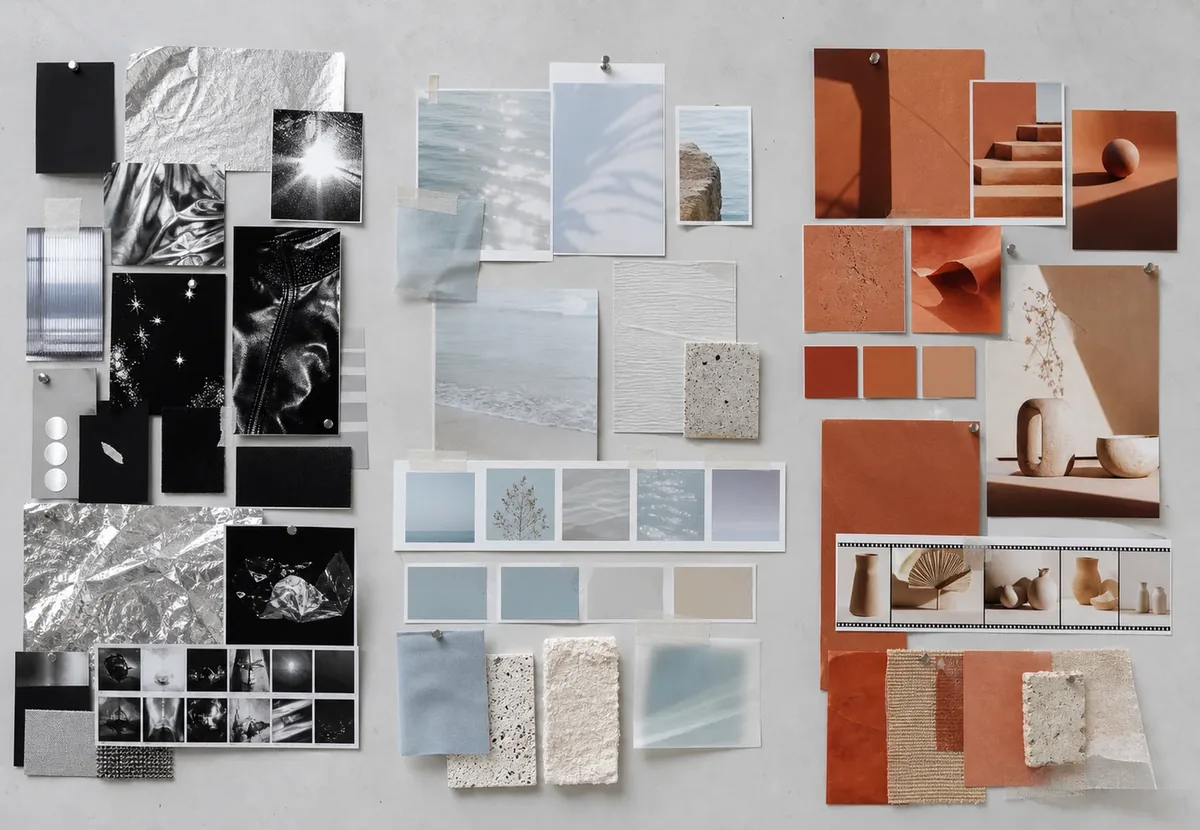
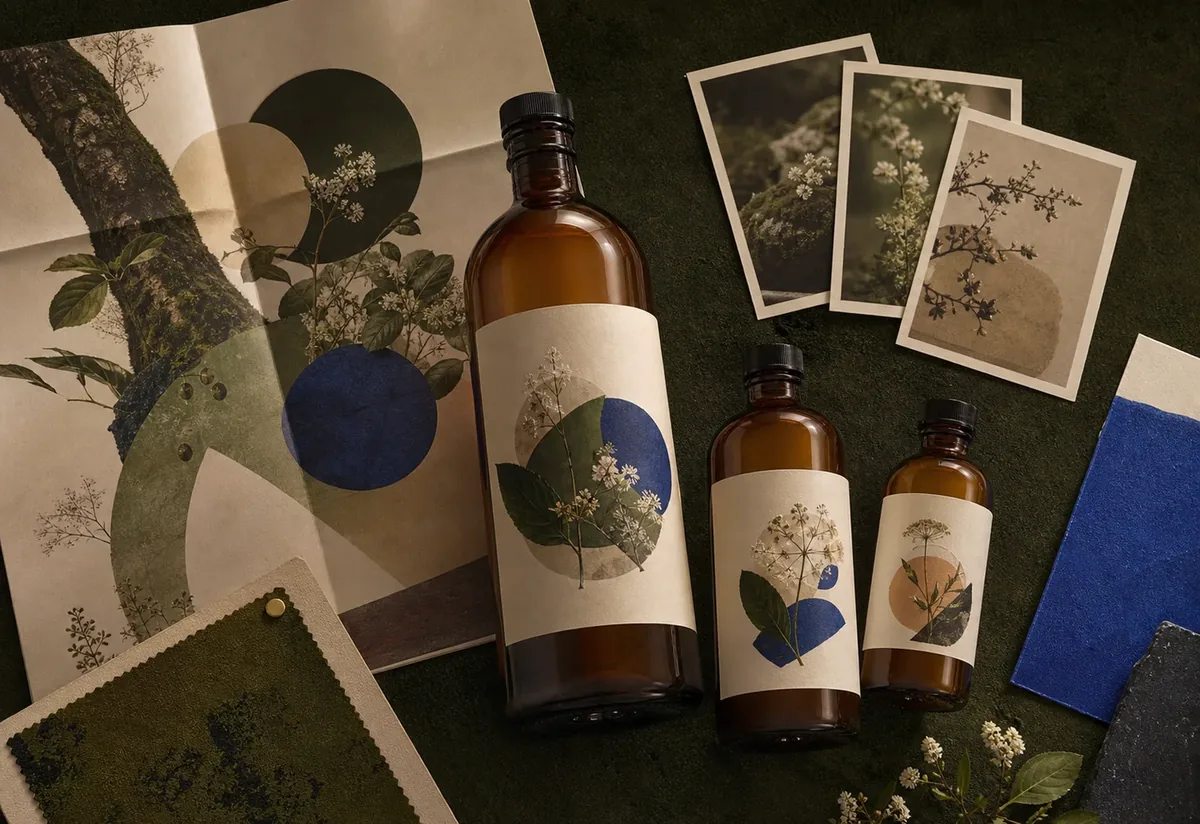
Scattered references become named directions you can point at, argue about, and run with.
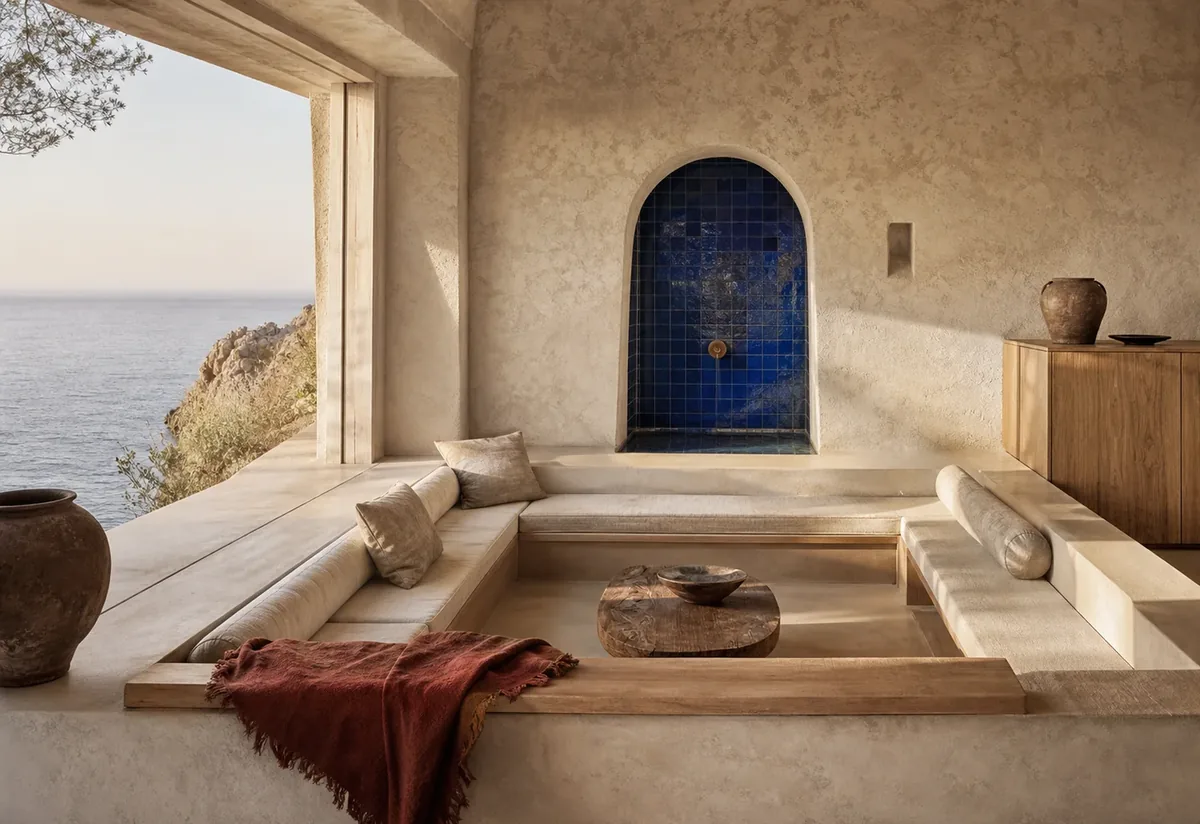
Warm, editorial imagery for interiors, stays, and property launches — consistent across a whole portfolio.
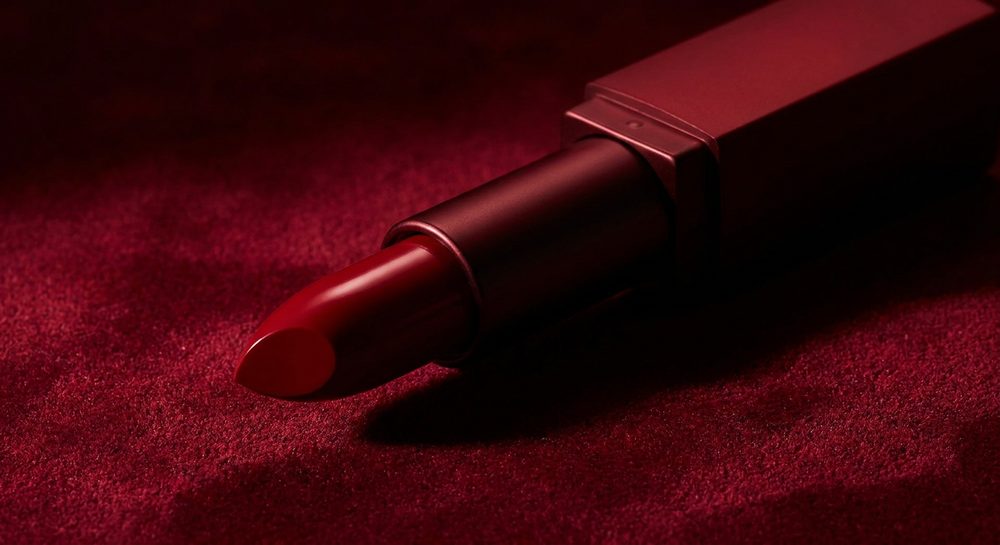
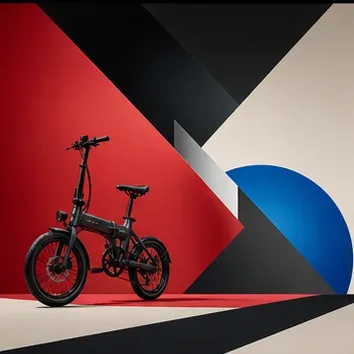
Statement images that anchor a launch, with on-brand variations ready before the meeting ends.
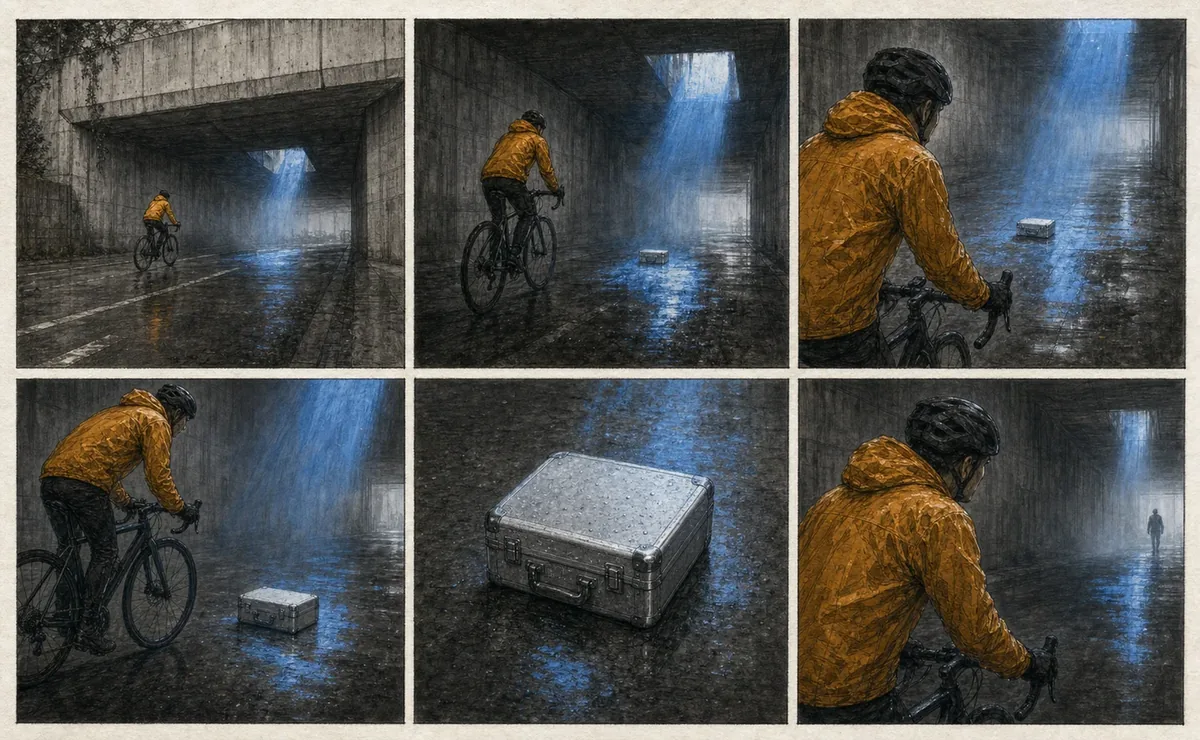
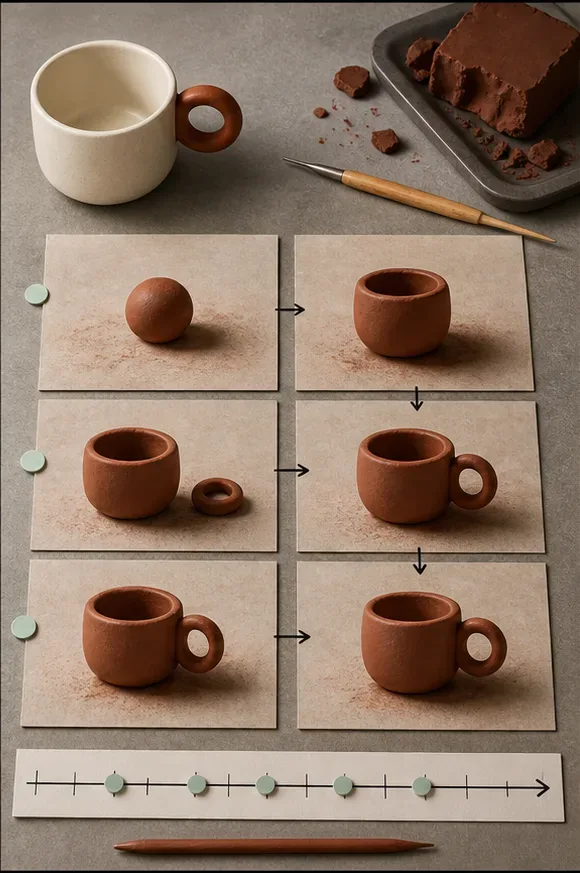
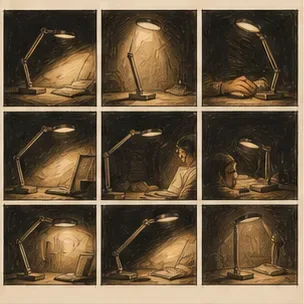
Panel-by-panel sequences the agent holds together — same cast, same palette, same pacing from first beat to last.
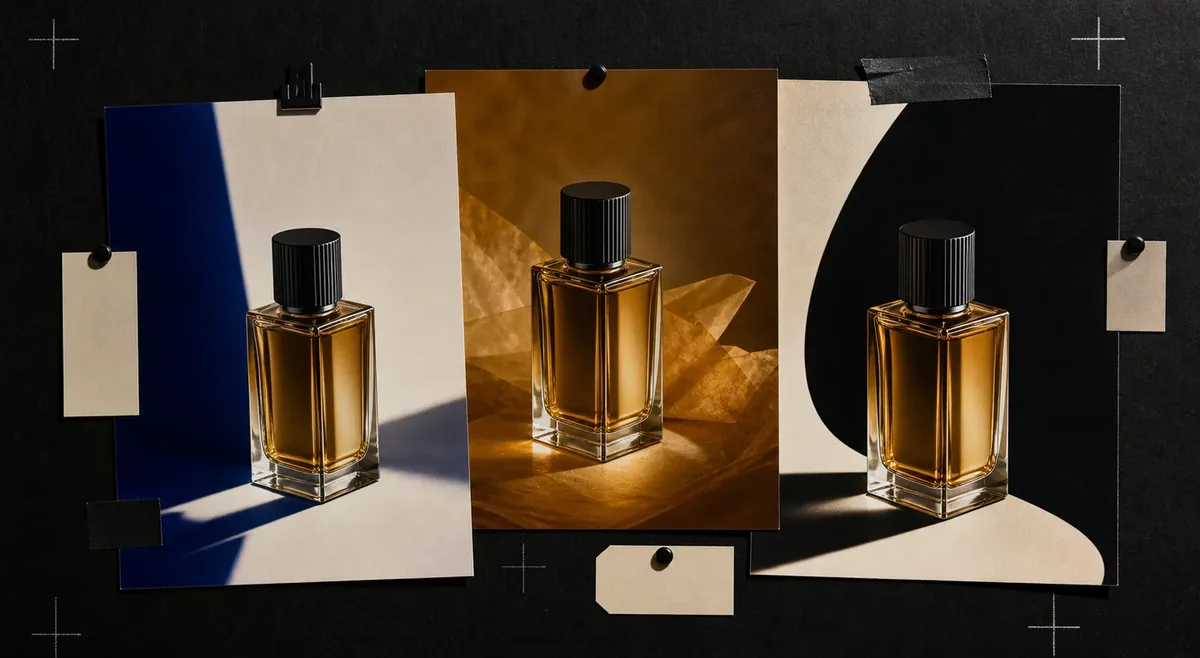
Structured A/B routes — layouts, hooks, and framings — labeled on the canvas and ready for the test.
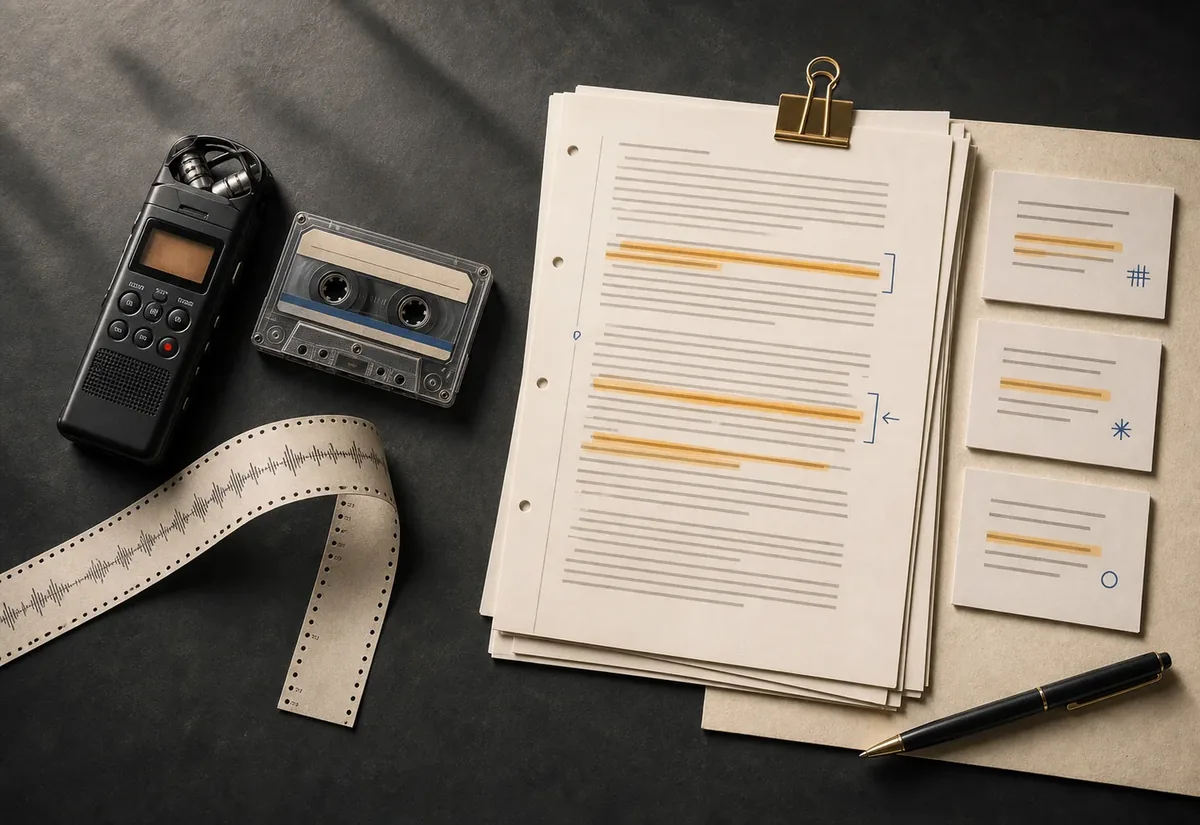
Attach audio and ask the agent to transcribe, summarize, or pull decisions into a canvas document beside the source.
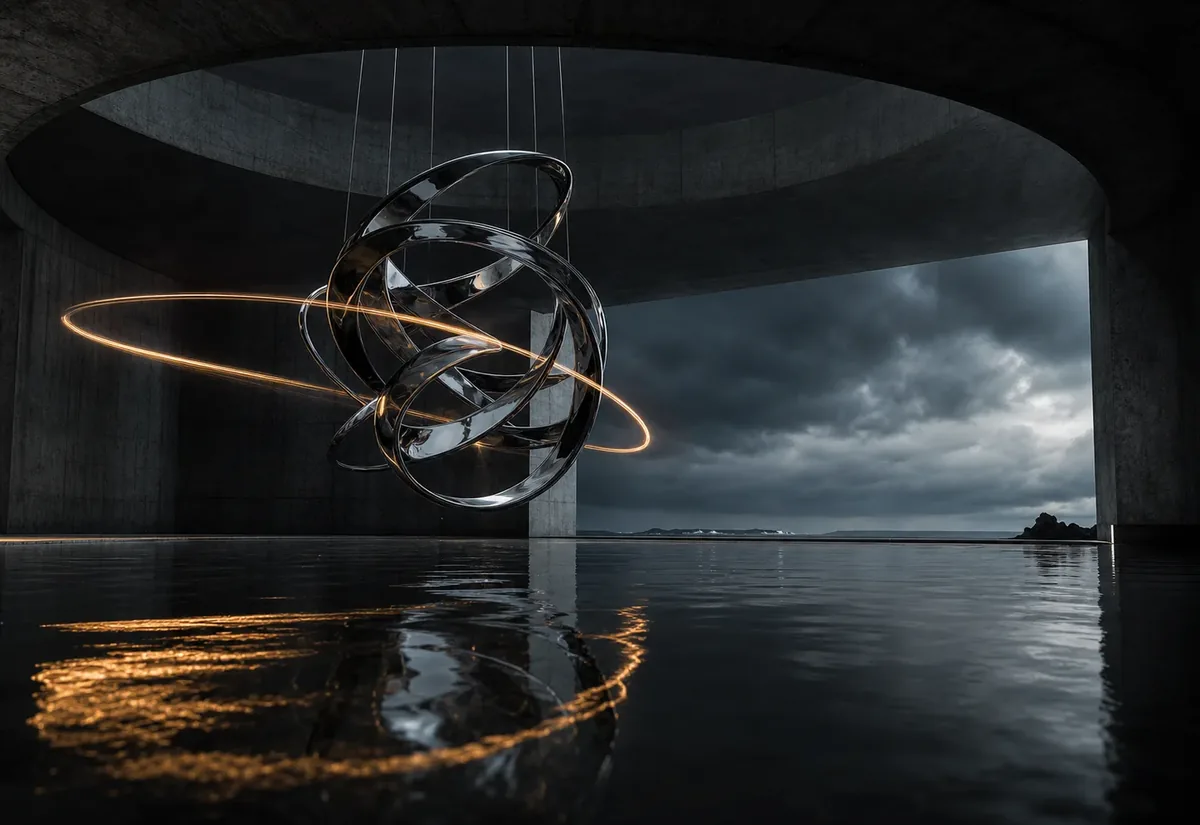
Short cinematic beats that do the atmosphere work before the product ever appears.
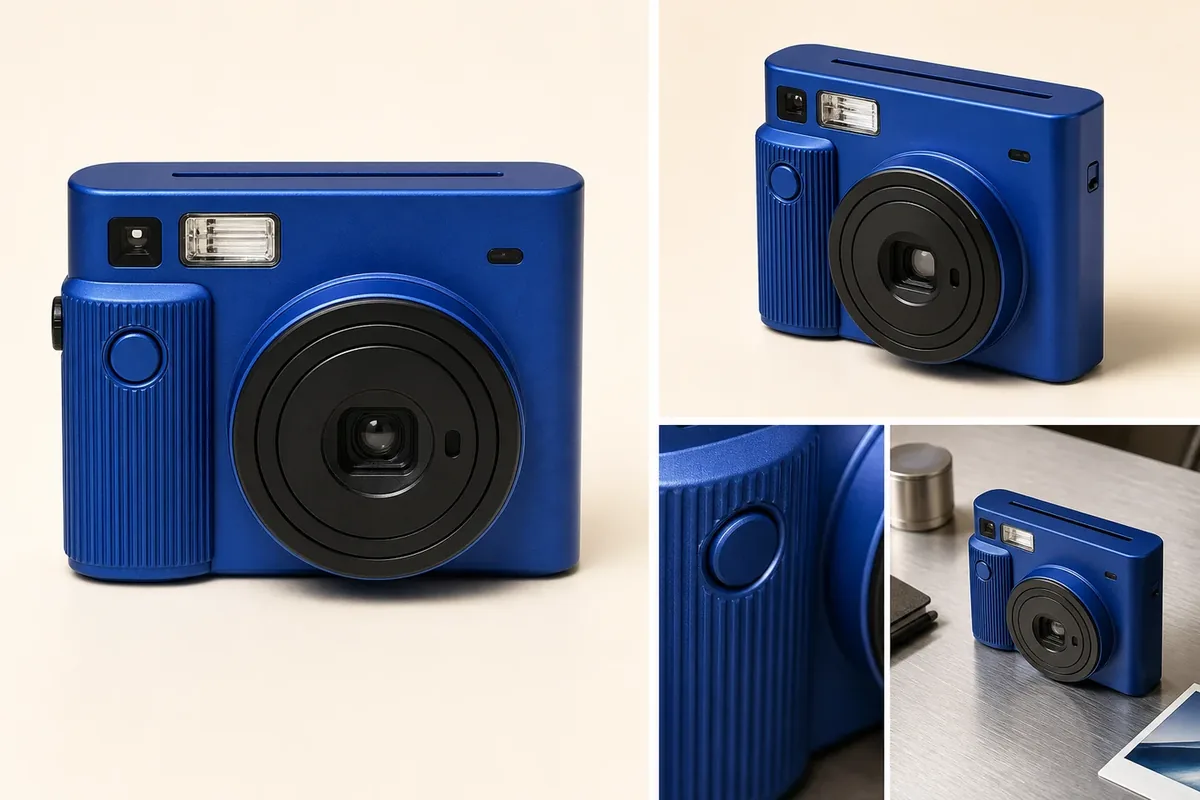
Hero, gallery, and detail shots born from one brief — sized for the page they land on.
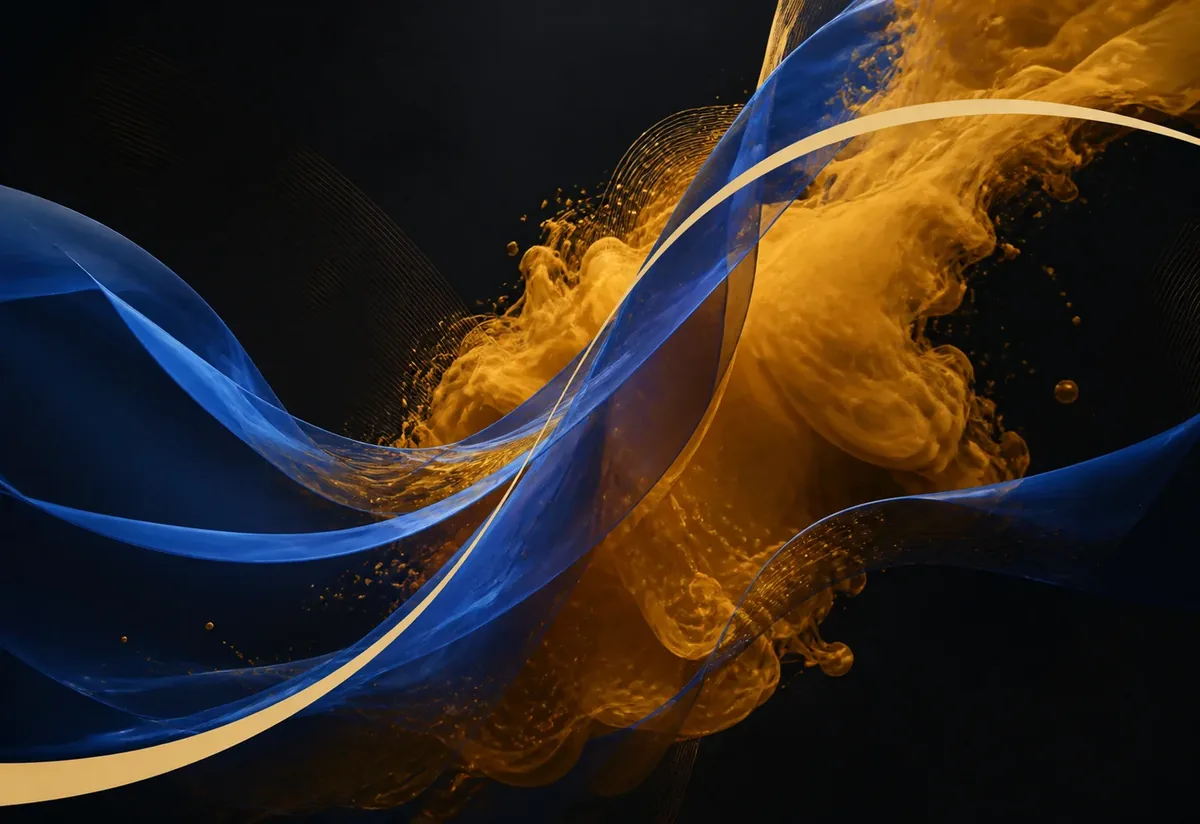
Abstract loops and textures for openers, backdrops, and transitions that still feel like you.
Canvas, docs, and media runs behave as one system — a brief goes in, finished assets come out, and nothing falls between tools.
When a brief genuinely branches, the agent can delegate focused routes in parallel. Each route inherits the same workspace context, so comparisons stay coherent.
Attach a brief, image, video, or audio file; paste a Slack message; or work from connected Drive context. Before an external change, the agent shows the action and asks you to approve it.
Keep brand guidance, approved files, and working decisions on the canvas. Point the agent at those references again as the campaign evolves, without rebuilding the brief from scratch.
“This is a creative workbench, not a chat log. Edit notes, rearrange moodboards, prune stale references, and keep making.”
“Come back to the same workspace tomorrow — your brand, references, prompts, edits, and assets stay connected. Treat each canvas as a creative table: drop screenshots, links, briefs, prompts, and assets in one place. I’ll see all of it.”
Choose the conversation model per message. Image and video runs use their own supported media models, while the brief and canvas context stay attached.
Reads /context, pressure-tests the brief, drafts three routes.
Creates the chosen key visual and its variations.
Turns an approved frame into a short motion result.
 0:12
0:12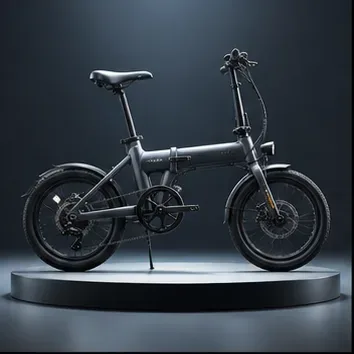 0:06
0:06 0:10
0:10 0:08
0:08Also on the bench:Seedream 4.5IdeogramKling 3.0— choose image and supported video models from the canvas generation controls.
Start with 20 Luna and 100 Flash messages included each month. Image and video generation uses credits separately.
Individual
Your workspace, ready on sign-up.
Start now£10/month for managed Gemini and flexible BYOK.
See pricingThe full managed model catalog.
See pricingFor teams
A shared creative workspace built around an infinite canvas — with an AI agent that works directly on it. It writes briefs and captions into your documents, builds moodboards, organizes references, and pulls real files from your connected tools.
Chat conversations scroll away; a canvas stays. Your brand context, references, prompts, and finished assets live spatially in one place — and the agent works on that surface with you instead of replying into a thread.
Thinking mode asks clarifying questions before changing the canvas. Direct mode executes quickly with fewer check-ins. Switch per message, whenever you like.
Moodboards and visual routes, image variations and edits, ad and caption copy, campaign briefs, shot lists, thumbnail directions — plus reusable workflows so the next campaign starts from what worked.
Google Drive, Google Docs, Notion, Slack, Gmail, Instagram, TikTok, and YouTube. Source material can inform the canvas; every external write or publish action asks for confirmation first.
Yes — workspaces are multiplayer by default, with live cursors for everyone. Invite teammates with a link, and share any document publicly with edit or view access.
Choose the conversation model per message, including Creativly Agent, OpenAI, and Claude options. Image and video runs have their own supported model choices on the canvas.
Yes. Voice input records and transcribes into the composer. You can also attach audio and ask the agent to transcribe or summarize it into usable creative notes.
Save a reusable skill — a product-shot brief, a thumbnail route, a caption style — and run it any time with a /slash command. Categories cover craft, framework, workflow, and custom.
Sign in and your workspace is created automatically. Drop a brief, product shots, or a rough idea on the canvas and ask the agent to shape a direction.












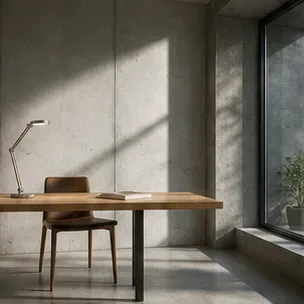
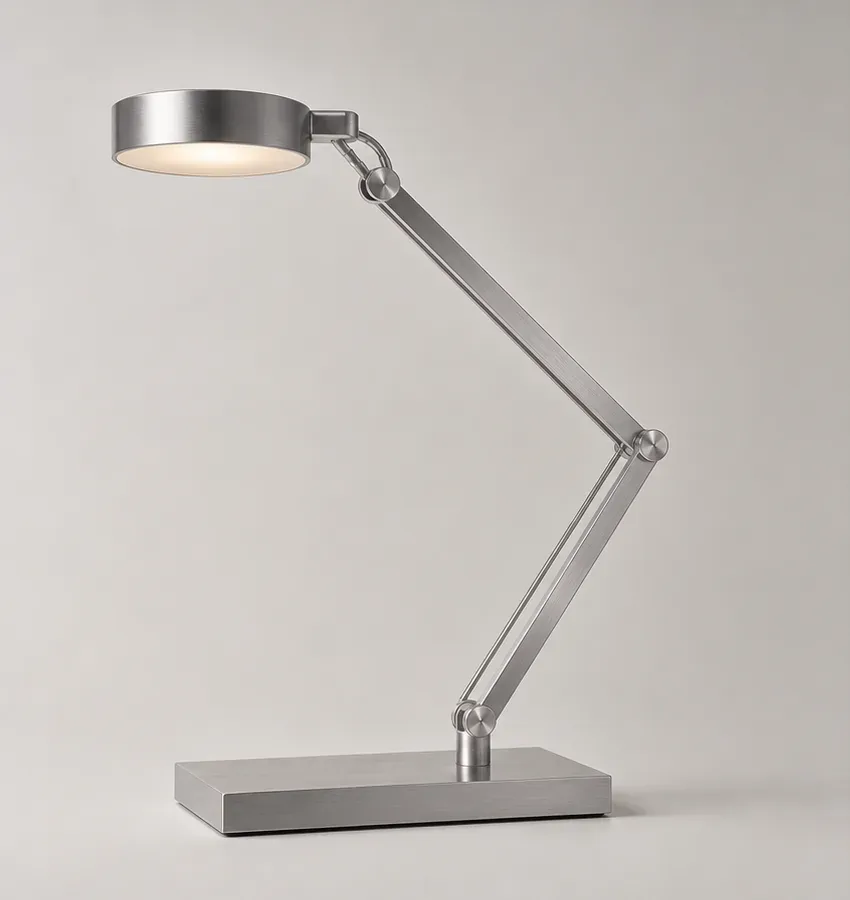
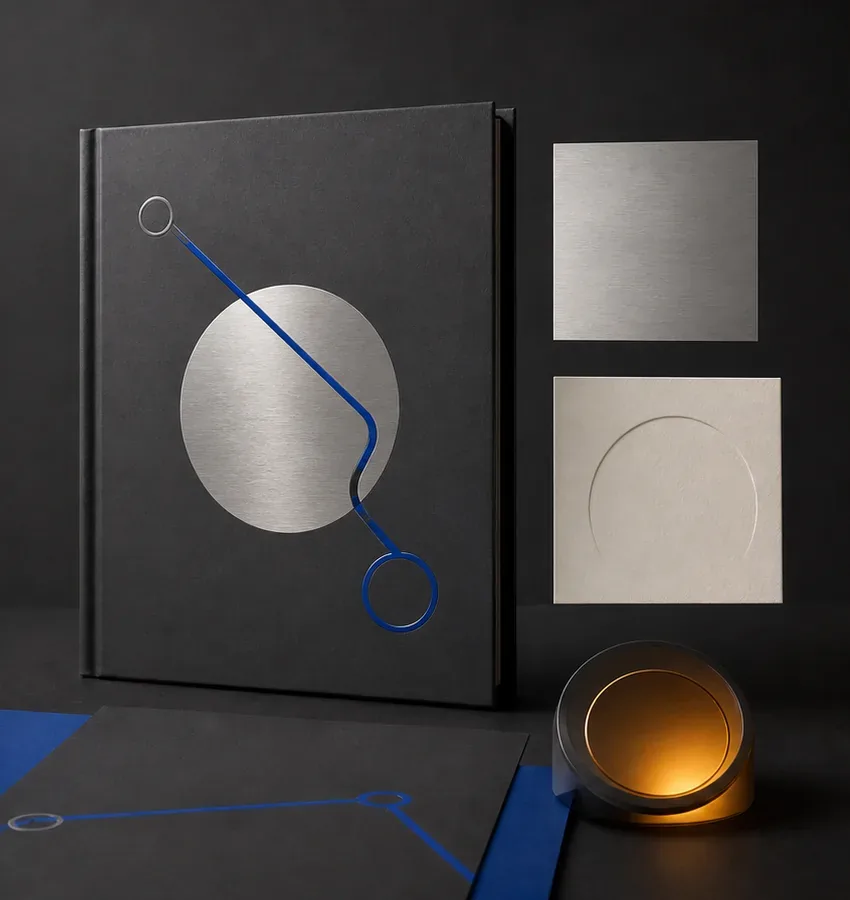 Brand kit
 0:08
0:08