

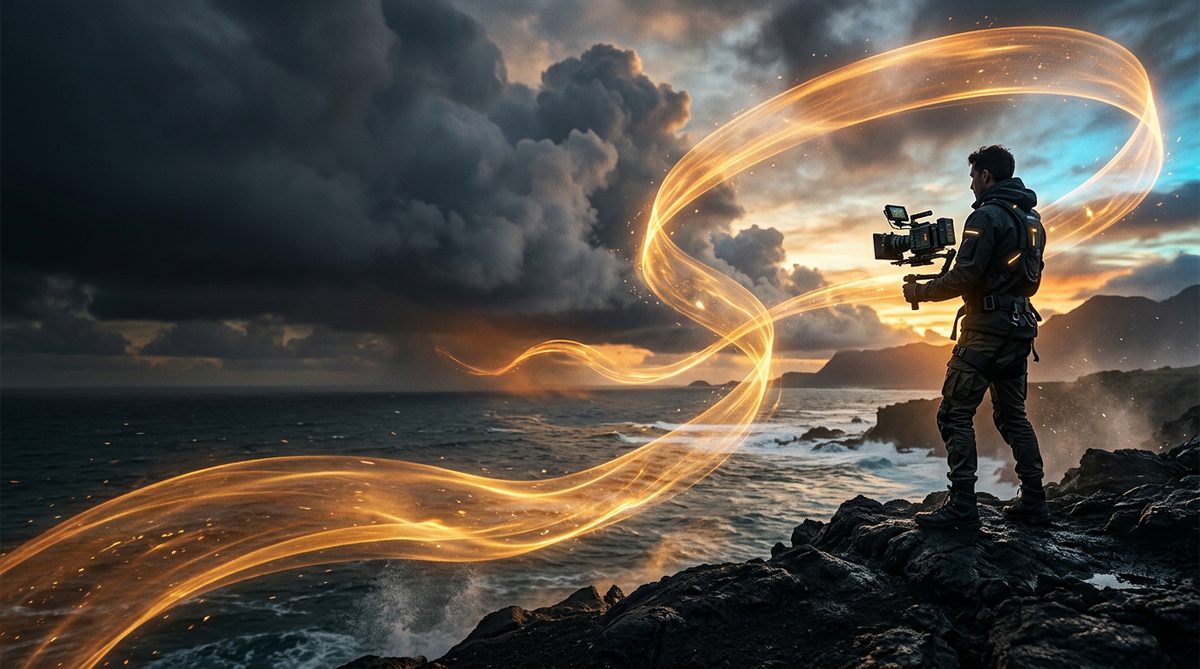
Seedance 2.5 is now live in Creativly. It can turn a prompt, a still, a reference pack, or an existing clip into a finished cinematic shot with native sound. More importantly, it gives creators room to direct: shots can run from four to 30 seconds, references can carry identity and movement across a scene, and a video can be revised without rebuilding it from scratch.
We are calling it the next best AI video model because it feels like a practical next step for ambitious work, not because one model wins every possible shot. When a concept needs longer action, mixed references, controlled endpoints, or a precise transformation of existing footage, Seedance 2.5 belongs near the top of the shortlist.
One model, four useful ways to begin
Seedance 2.5 fits into a real creative process instead of forcing every idea through the same starting point.
- Start with words: describe the subject, action, camera, lighting, rhythm, and sound.
- Animate an image: use a still as the opening composition, with an optional final image to guide where the shot lands.
- Direct with references: combine image, video, and audio material to establish identity, motion, atmosphere, or sonic character.
- Edit a video: upload a clip, say what should change, and state what must remain untouched.
What Seedance 2.5 supports
Shot length
4–30 seconds, selected in whole seconds
Resolution
480p, 720p, 1080p, or 4K
Generated formats
16:9, 9:16, 4:3, 3:4, 1:1, and 21:9
Reference capacity
Up to 30 images, 10 videos, and 10 audio files
Audio
Native synchronized sound with multilingual speech support
Video edits
Output duration and shape follow the source clip
The reference ceiling is generous, but it is a ceiling rather than a target. A small, deliberate pack is usually easier to direct than 50 loosely related files. Give each reference a clear job and name that job in the prompt.
Where the extra duration matters
Thirty seconds changes the kind of idea you can attempt. A short product reveal may only need five seconds; a walk-and-talk, a transformation, or a scene with a beginning and payoff needs more breathing room. The useful part is choice: you do not have to fill the whole window, and you should not stretch a simple beat merely because the model allows it.
For longer prompts, write the shot as a sequence of visible beats. Describe the opening state, the main action, the camera response, and the final image. Keep the number of major actions realistic for the selected duration.
VFX through video-editing workflows
The useful VFX workflow starts with a source clip. Upload a 3D playblast, viewport render, previs animation, live-action plate, or rough composite to Seedance 2.5 Video Edit. The clip supplies the camera move, timing, composition, and subject motion; your prompt and optional reference images define how the finished visual should look. The edited output follows the source video's duration and aspect ratio.
- Turn 3D animation into a cinematic visual: use a Blender, Maya, Cinema 4D, or Unreal playblast as the motion blueprint, then replace grey geometry and viewport shading with the directed environment, materials, lighting, and atmosphere.
- Add VFX to an existing plate: preserve the actor, performance, framing, and camera movement while adding fire, smoke, destruction, weather, particles, creatures, or other effects around the original action.
- Replace or extend a set: keep the foreground action intact while changing a practical location, green-screen background, window view, surface treatment, or distant environment.
- Develop a rough composite: use proxy objects or a simple comp to establish placement and timing, then direct Seedance 2.5 to integrate the elements with coherent lighting, reflections, shadows, and atmosphere.
- Create controlled shot variations: run the same source clip with different reference images to compare creature designs, environments, materials, weather, or art direction without rebuilding the animation.
Write the edit prompt in two parts: first state what must remain unchanged, then describe what should be replaced or added. For example: “Keep the camera move, vehicle animation, timing, and road layout unchanged. Replace the grey 3D city with a rain-soaked brutalist metropolis; add wet reflections, tire spray, volumetric fog, and lightning that illuminates the buildings.” This keeps the video-editing instruction tied to the motion already designed in the source.
A better way to use references
Assign one role to each file
Use one image for the subject, another for wardrobe, a clip for camera rhythm, and an audio file for atmosphere. In the prompt, refer to those roles directly. More material only helps when the direction remains coherent.
Use first and last frames as story anchors
A starting image defines where the camera begins. An optional ending image defines where it should arrive. Let the prompt explain the believable motion between them instead of treating the two frames as unrelated posters.
Write sound into the scene
Sound direction belongs beside the visuals: quiet room tone, a passing train, fabric movement, distant traffic, a line of dialogue, or a musical texture. Specific environmental cues are more useful than asking for “epic audio.”
How it fits into Creativly
- Video sessions: choose Seedance 2.5, set the shot length and format, attach any references, and create.
- Agent: describe the outcome conversationally and let the workspace organize the sources, generation, and follow-up direction.
- Flow: connect Seedance 2.5 to image, video, and reference nodes for repeatable campaign pipelines.
Seedance 2.5 pricing
Creativly charges four platform credits per requested second. A four-second generation starts at 16 credits; a full 30-second generation uses 120 credits. The pricing page shows the same live model range alongside the rest of the video catalog.
The honest recommendation
Pick Seedance 2.5 when a shot needs duration, mixed creative references, native sound, or a controlled revision of existing footage. For a fast sketch or a narrowly specialized task, another model may be the more economical choice. The advantage of Creativly is that the prompt and source assets stay with the project, so you can make that choice shot by shot.
Seedance 2.5 is available now. Open a Video session for a direct shot, or start in Flow when the output needs to feed a larger creative system.