
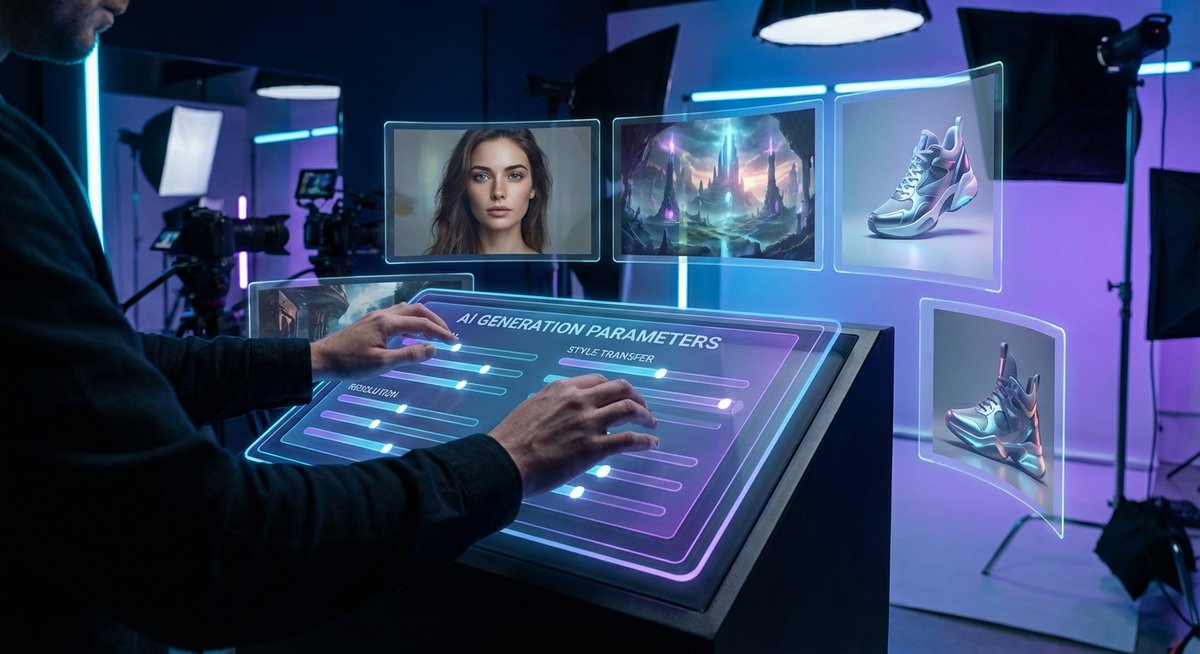
Once you've mastered the basics, these advanced techniques will help you get consistently better results and work more efficiently.
1. Structure Your Prompts
Follow this formula: [Subject] + [Environment] + [Style] + [Technical specs]. For example: "A ceramic coffee mug, on a marble countertop with morning light, minimalist product photography, shallow depth of field, 85mm lens."
2. Use Reference Images
Instead of describing everything in text, upload a reference image to guide the style, composition, or color palette. Connect it to models that support image-to-image like Flux Kontext or GPT Image.
3. Chain Models Together
Generate a rough concept with a fast model, then refine it with a higher-quality one. Or generate an image, upscale it, then animate it. The node system makes these multi-step workflows visual and repeatable.
4. Save Your Best Workflows
When you find a combination that works, save it as a template. Next time you need similar results, you can load the template and just swap out the prompt.
"The best prompt is one you never have to write twice. Build workflows, not one-off generations."