

Virtual Try-On
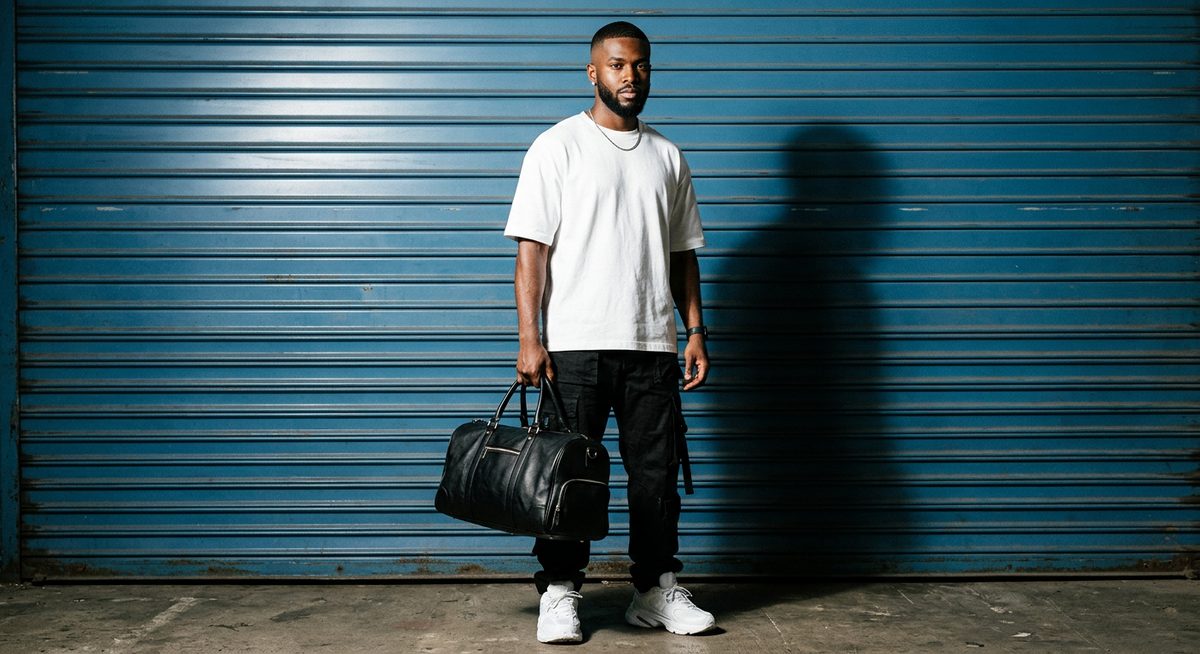
Upload a person and garment — swap outfits while keeping identity, pose, and background. Generate multiple outfit variations from one base image.
Workflow ArchitectureAuto-Layout
Tech Stack & Capabilities
This workflow aggregates 7 nodes and 9 edges to produce its final result, requiring zero manual configuration.
Prompts & Configurations
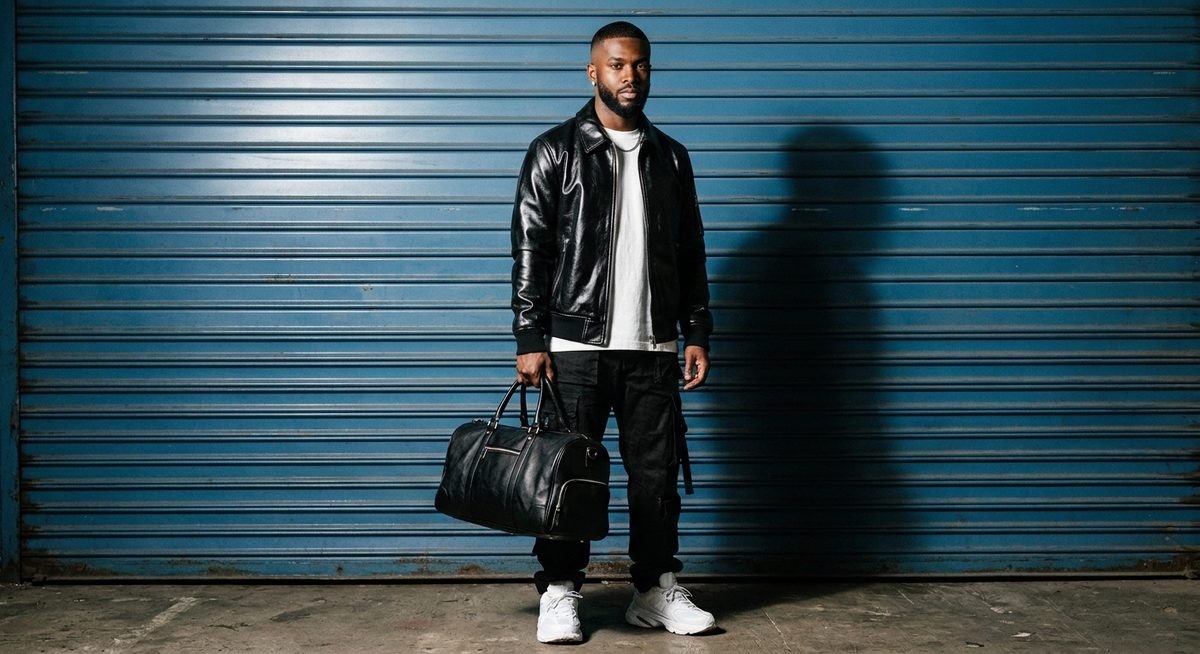
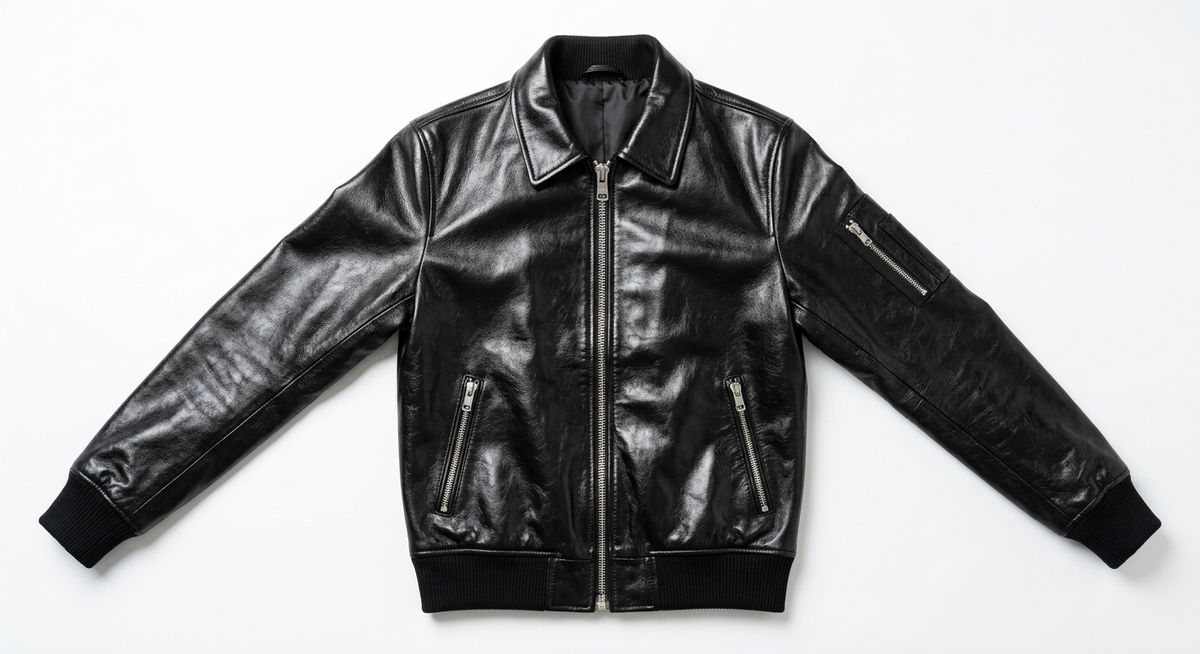
"The same person from the first image now wears the jacket from the second image, zipped halfway with collar popped. Everything else stays identical — same background, same lighting, same pose, same other clothing. The leather catches the studio light with a glossy sheen."
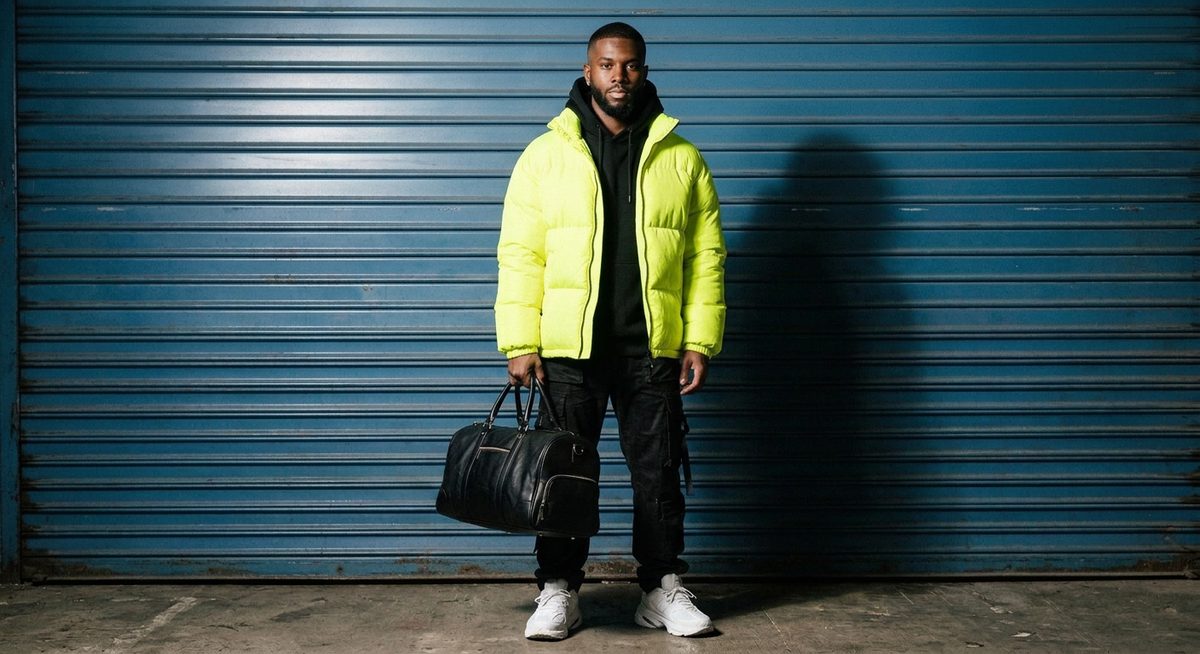
"The same person now wears a neon yellow oversized puffer jacket, unzipped over a black hoodie. Same background, same lighting, same pose. The neon yellow fabric pops against the blue wall. High-contrast lighting emphasizes the puffy quilted texture."
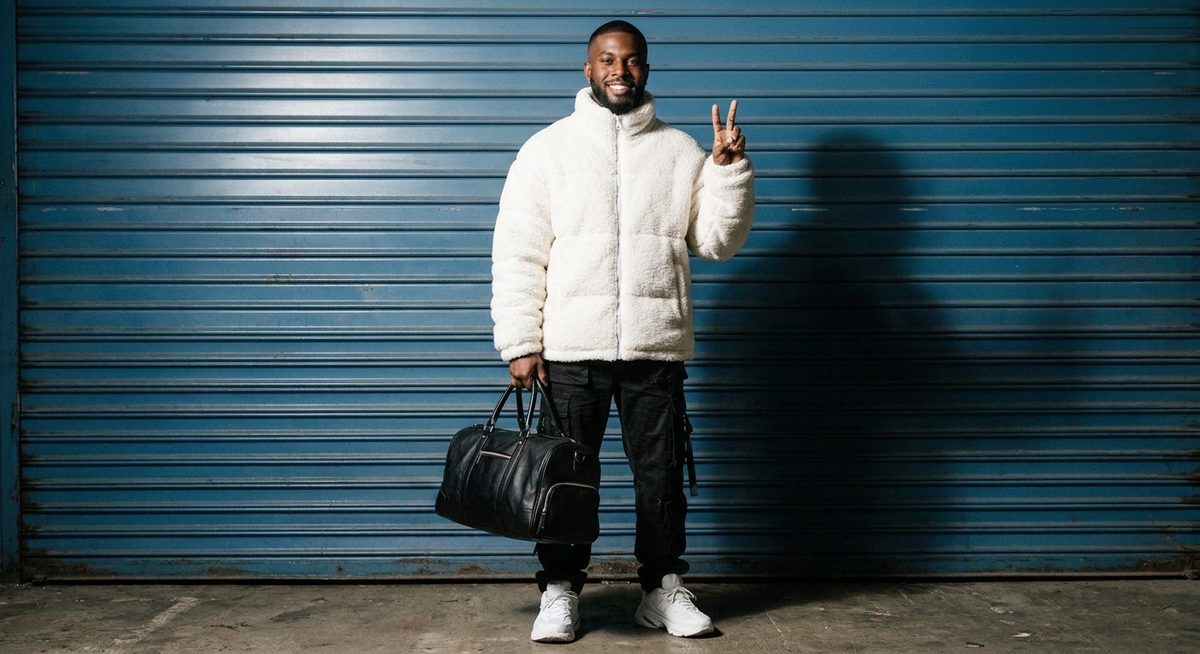
"The same person now wears a white fuzzy sherpa puffer jacket, zipped up to the chin. He flashes a peace sign and smiles warmly. Same background, same lighting. The white sherpa texture glows under the high-contrast studio light."
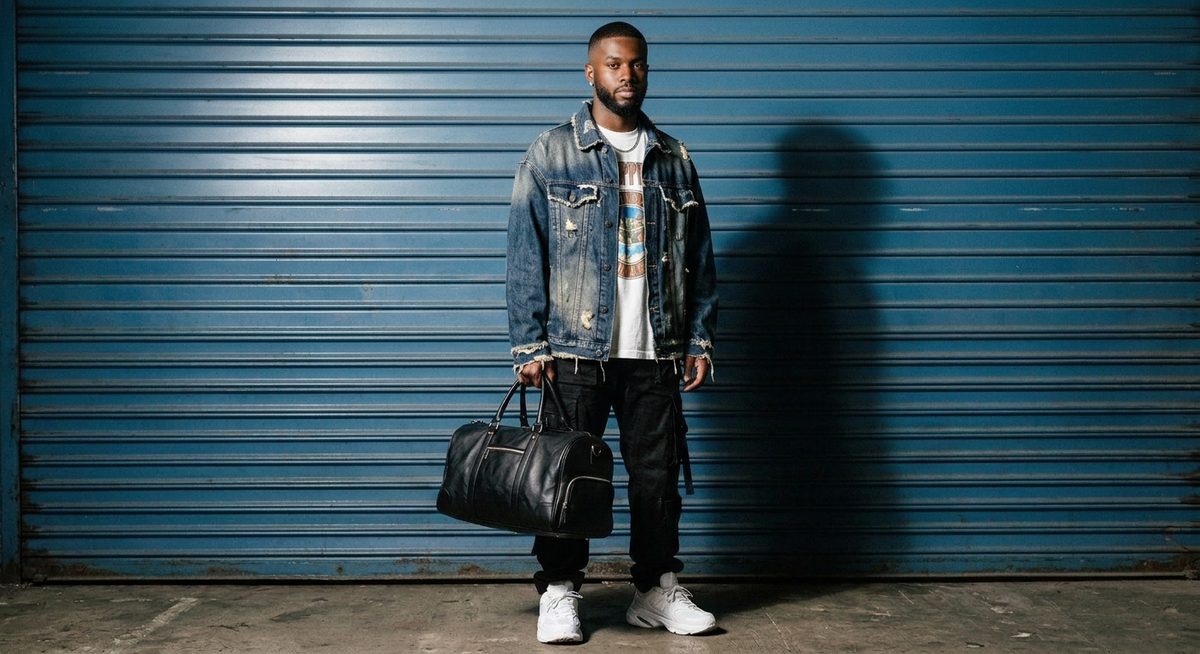
"The same person now wears a distressed oversized denim jacket with raw frayed edges and faded indigo wash, layered over a white graphic tee. Same background, same lighting. The heavy denim texture and raw edges catch the studio light."