
OpenAI just shipped GPT Image 2, their most capable image generator yet — and it's live on Creativly today. It's the first image model that actually thinks before it draws: it plans the composition, self-checks the text, and even pulls in real-world knowledge when your prompt needs it. On the public leaderboards it already leads the category by the largest margin anyone has ever recorded. Here's our review after a couple of days of production use.
What is GPT Image 2?
GPT Image 2 is OpenAI's new flagship image generation and editing model. It replaces the ChatGPT image generator used for the last year, with major upgrades in text rendering, layout, reasoning, and multilingual typography. You can use it for anything from photorealistic hero shots to multi-panel storyboards to full magazine layouts — in a single generation.
The headline shift is architectural. GPT Image 2 doesn't just sample pixels — it plans. It can generate multiple candidates, self-check its own text and layout, and even pull in real-world knowledge (historical scenes, current products, accurate brand references) when your prompt depends on it. That's a first for an image model at this scale, and in practice it means fewer retries to get to a usable result.
Key features
1. Text rendering that actually works
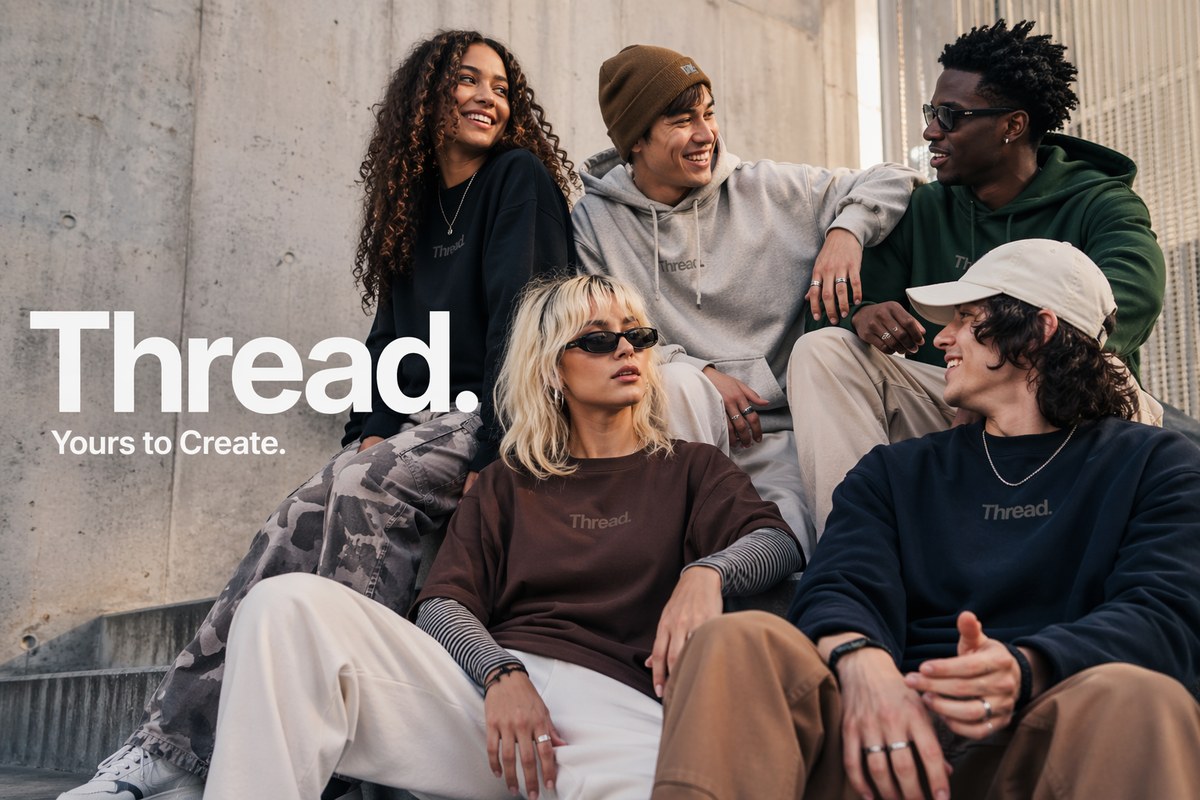
GPT Image 2 is the clearest leader in the category on in-image text. OpenAI's own evaluators preferred it over Midjourney v7 and Ideogram in 82% of blind A/B tests, citing text accuracy and anatomical consistency. TechCrunch called it “surprisingly good at generating text” after the model spelled every item on a multilingual restaurant menu correctly — a task prior models routinely mangled into “enchuita” and “margartas.”
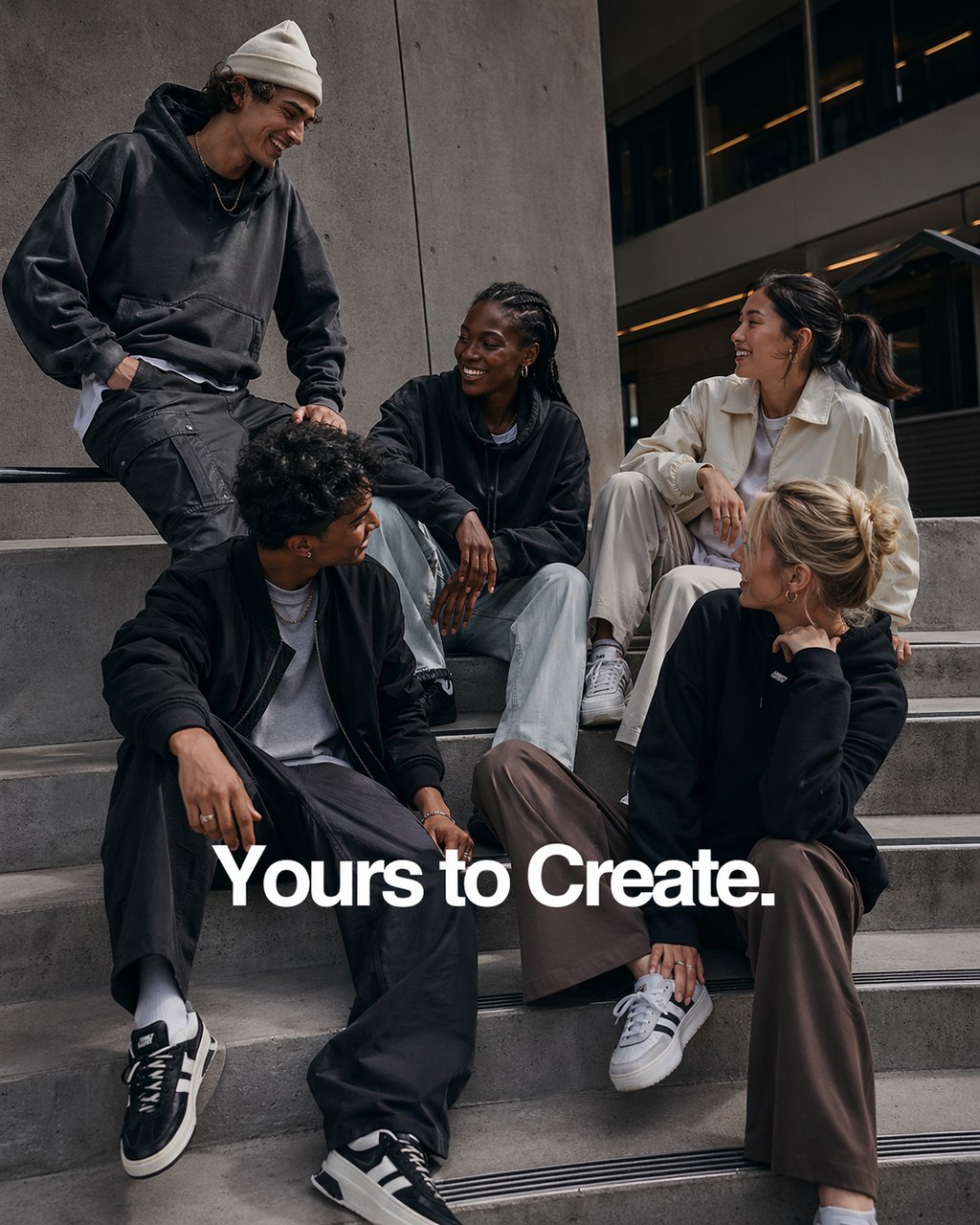
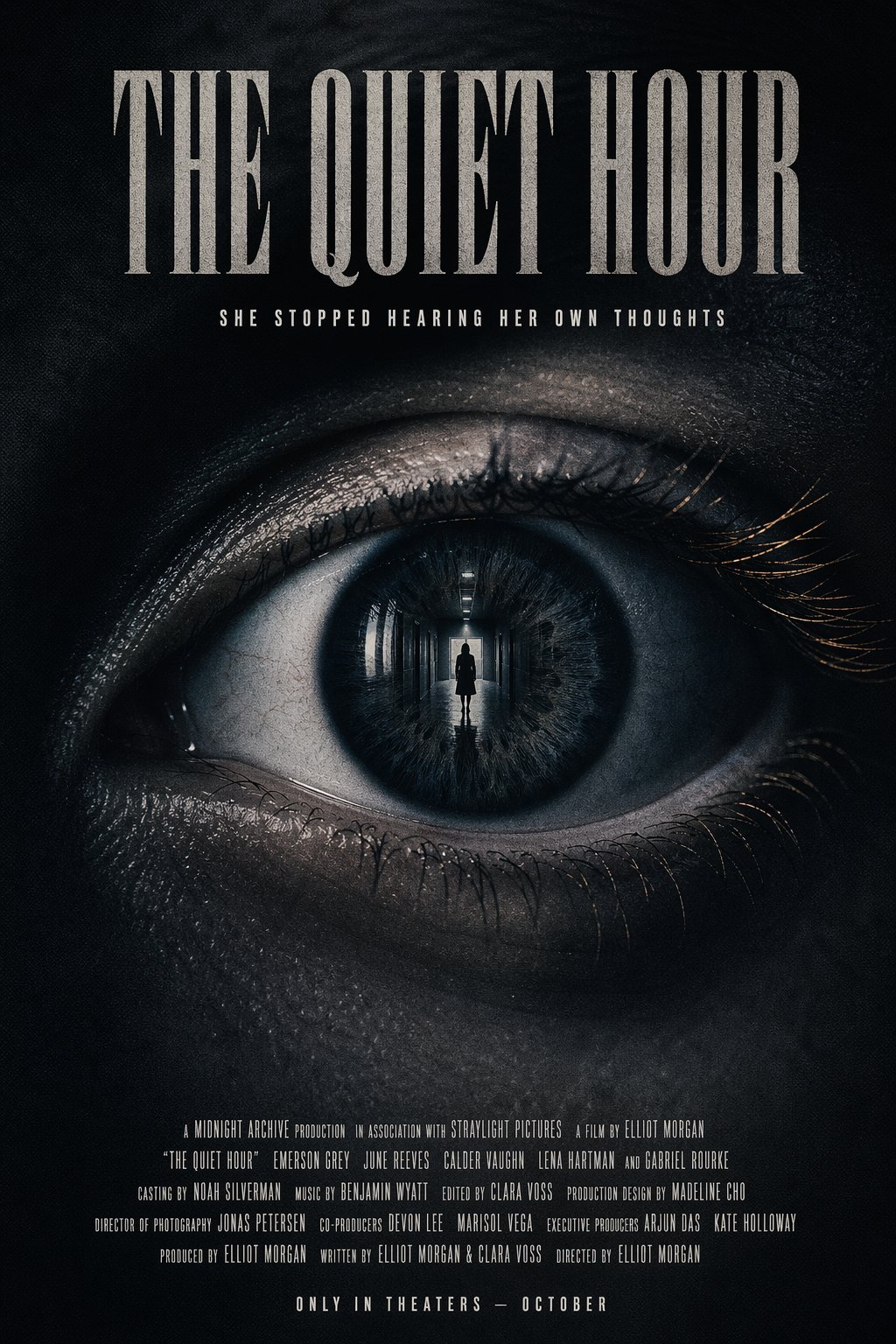
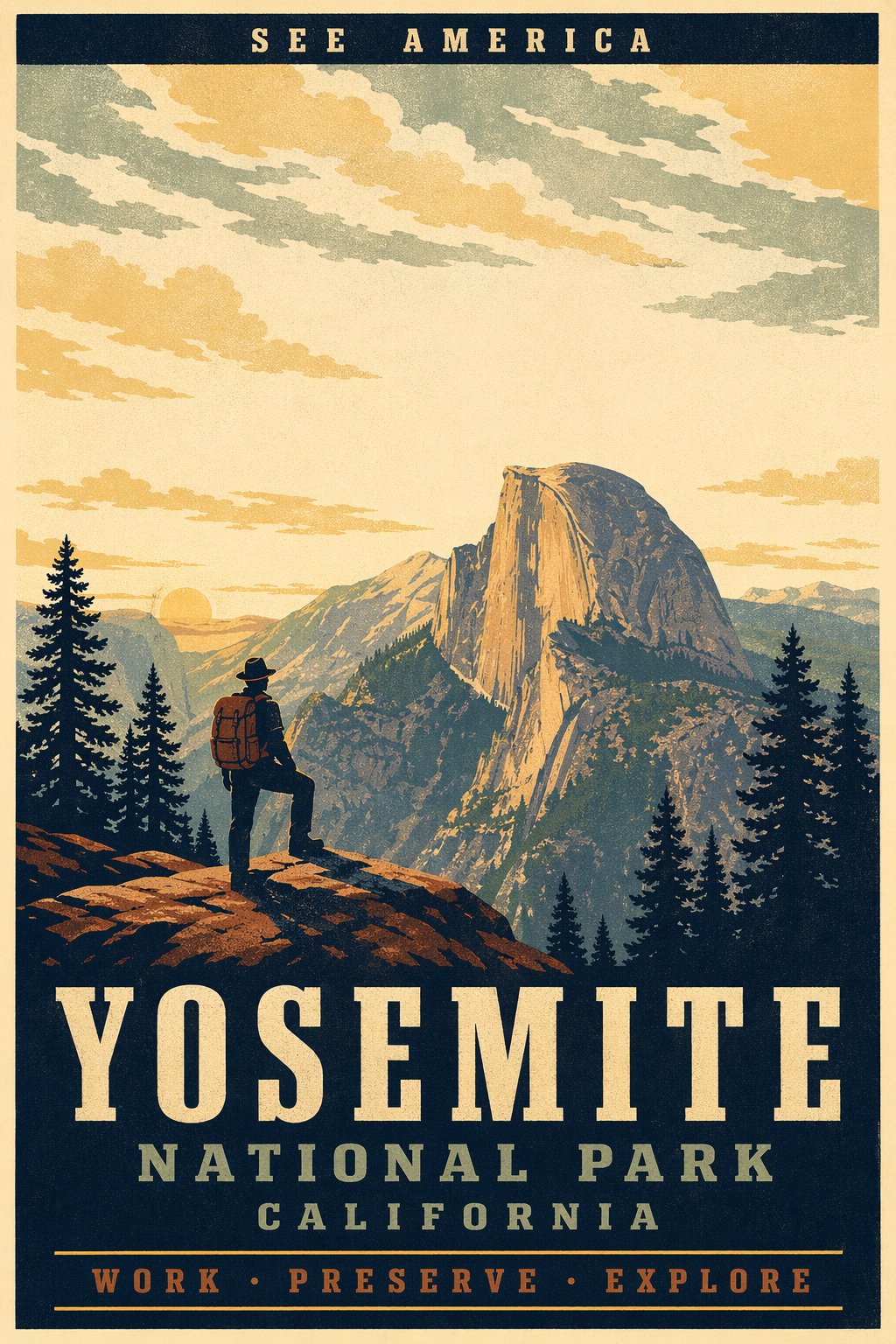
2. Multilingual typography
It's the first OpenAI image model to render dense text reliably in Japanese, Korean, Chinese, Hindi, and Bengali — not just Latin scripts. For localized marketing creative, multilingual packaging, and regional social posts, that's the difference between “usable on the first pass” and “hand off to a designer.”
3. Multi-panel consistency in one generation
The model can render up to 8 panels from a single prompt while keeping the character, palette, and layout coherent across every cell. Manga pages, comic strips, storyboards, and multi-step tutorials now work as one-shot generations instead of chain-of-models assembly.
4. Thinking mode
The thinking variant adds latency but raises the floor on hard prompts — dense infographics, period-accurate scenes, complex product mockups, tight brand briefs. It's worth reaching for when the job needs to be right the first time. The knowledge cutoff is December 2025, so current events, new products, and 2026 cultural references hold up.
5. Photorealism and editing fidelity
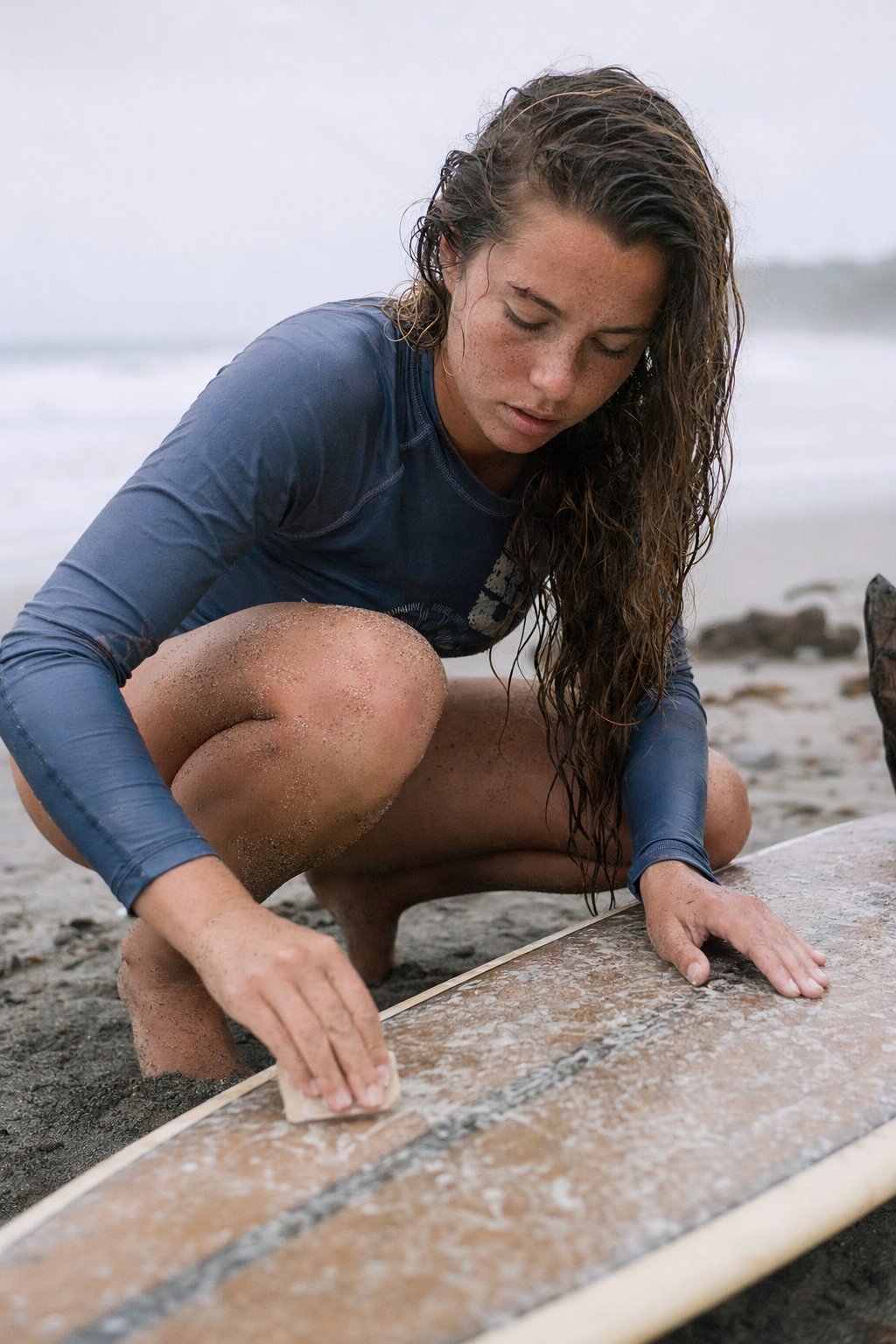
Skin texture, material accuracy, and identity preservation under edits are all noticeably better than the prior generation. For virtual try-on, product mockups, and identity-sensitive retouching, that means fewer retries and less cleanup — GPT Image 2 is positioned at workflows where getting it right the first time matters more than the lowest per-generation cost.
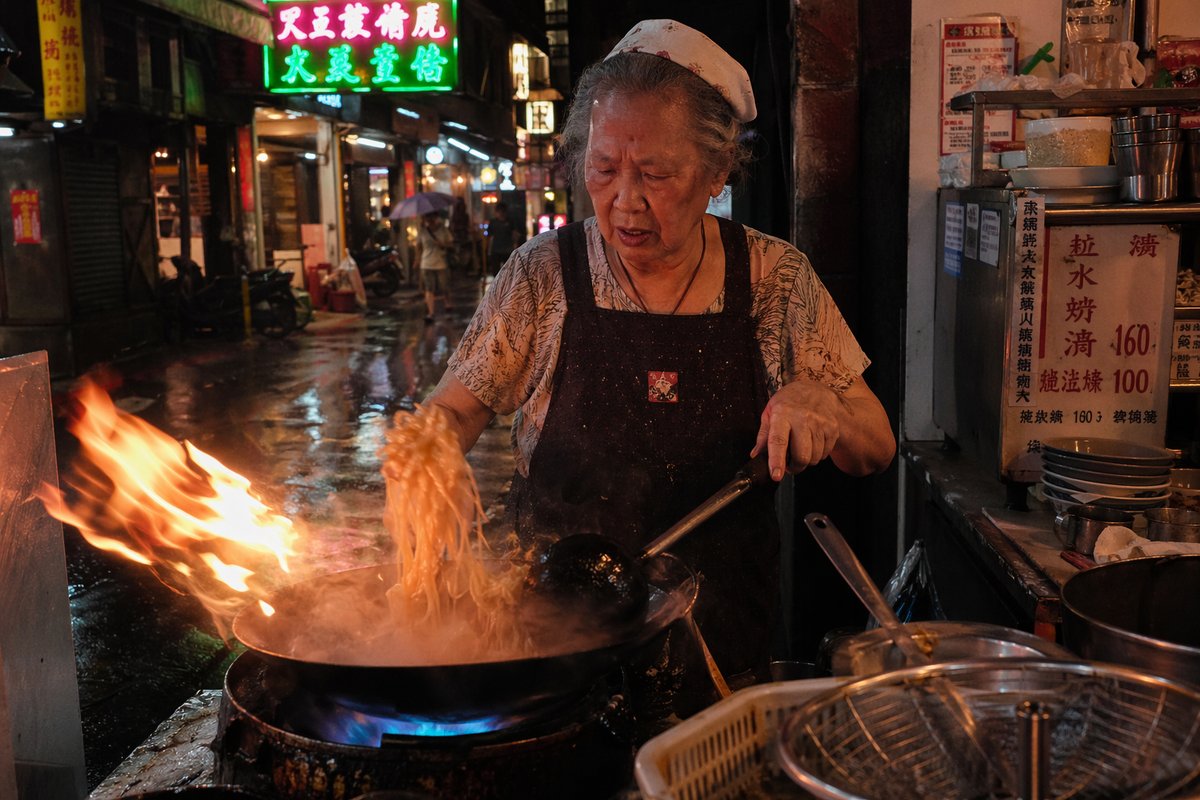
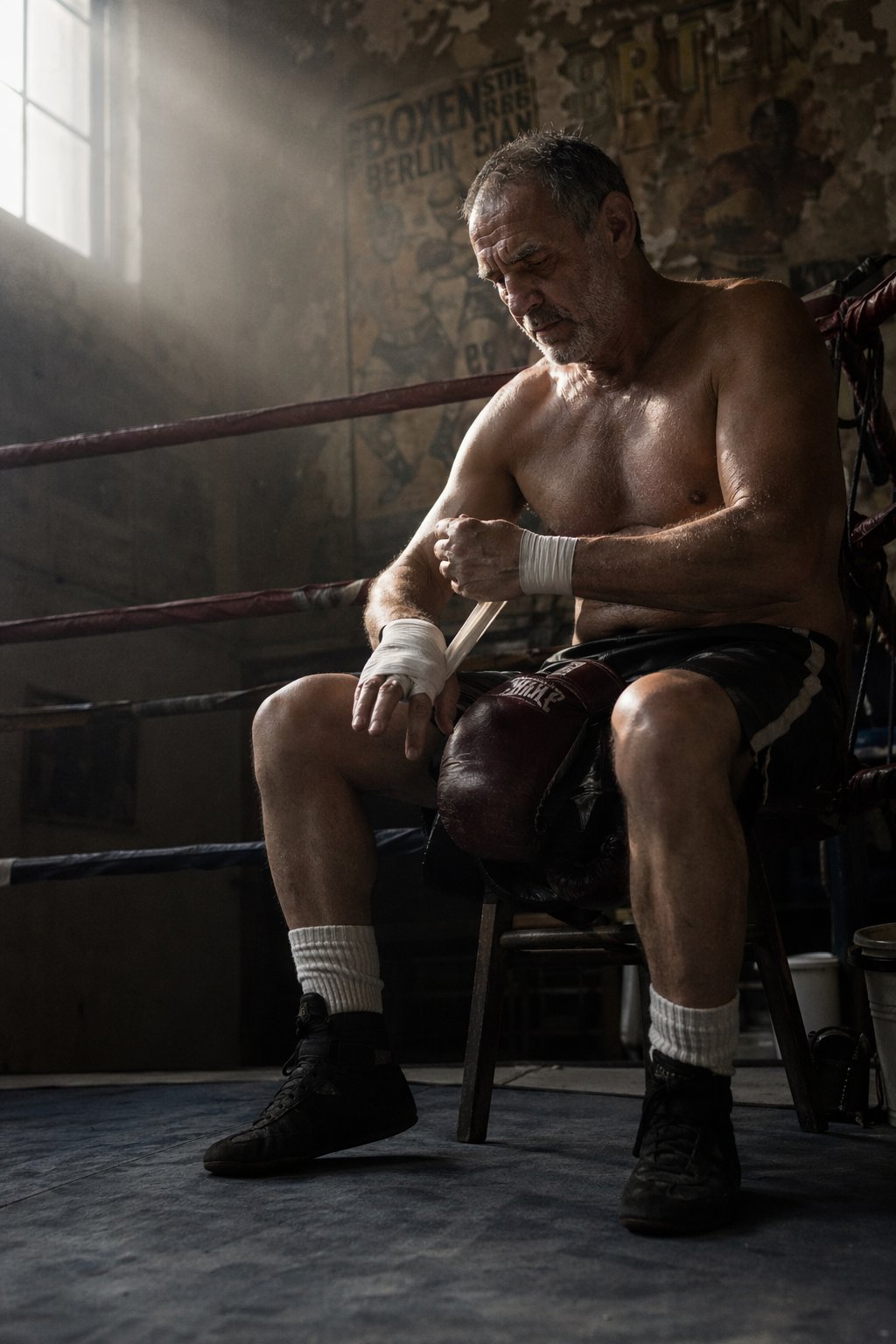
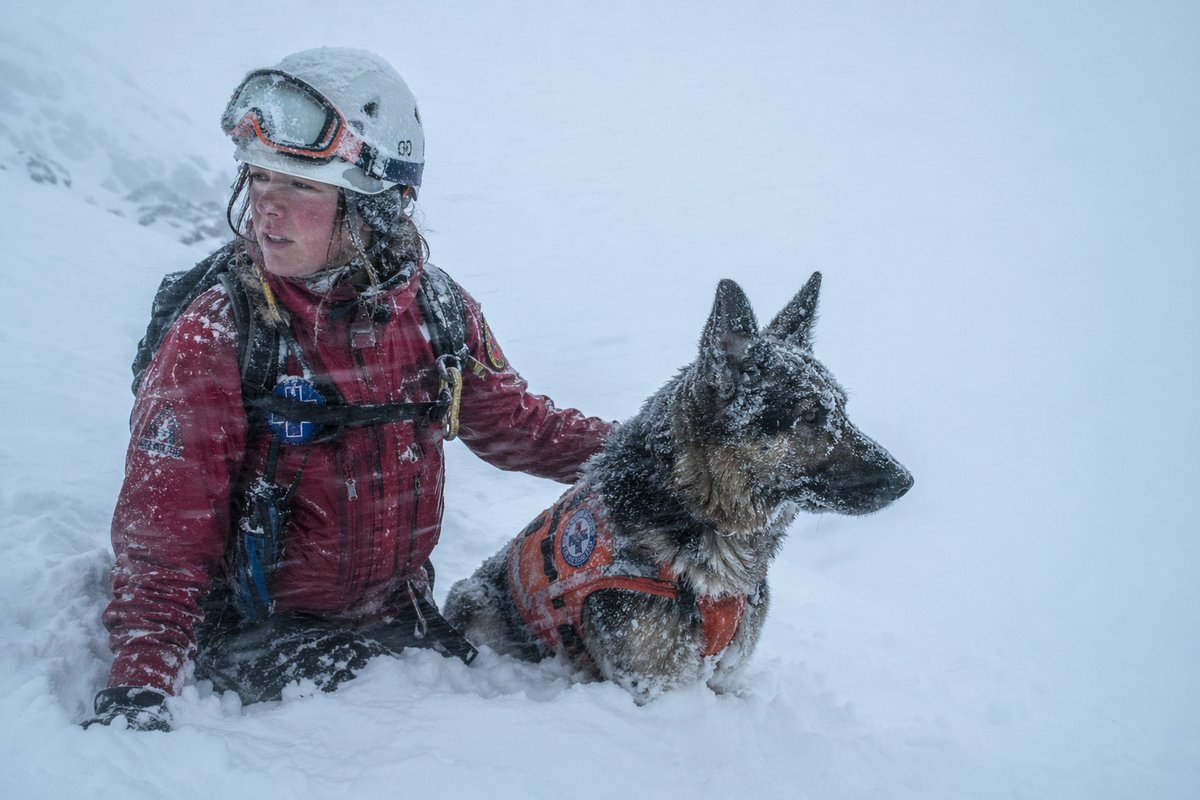
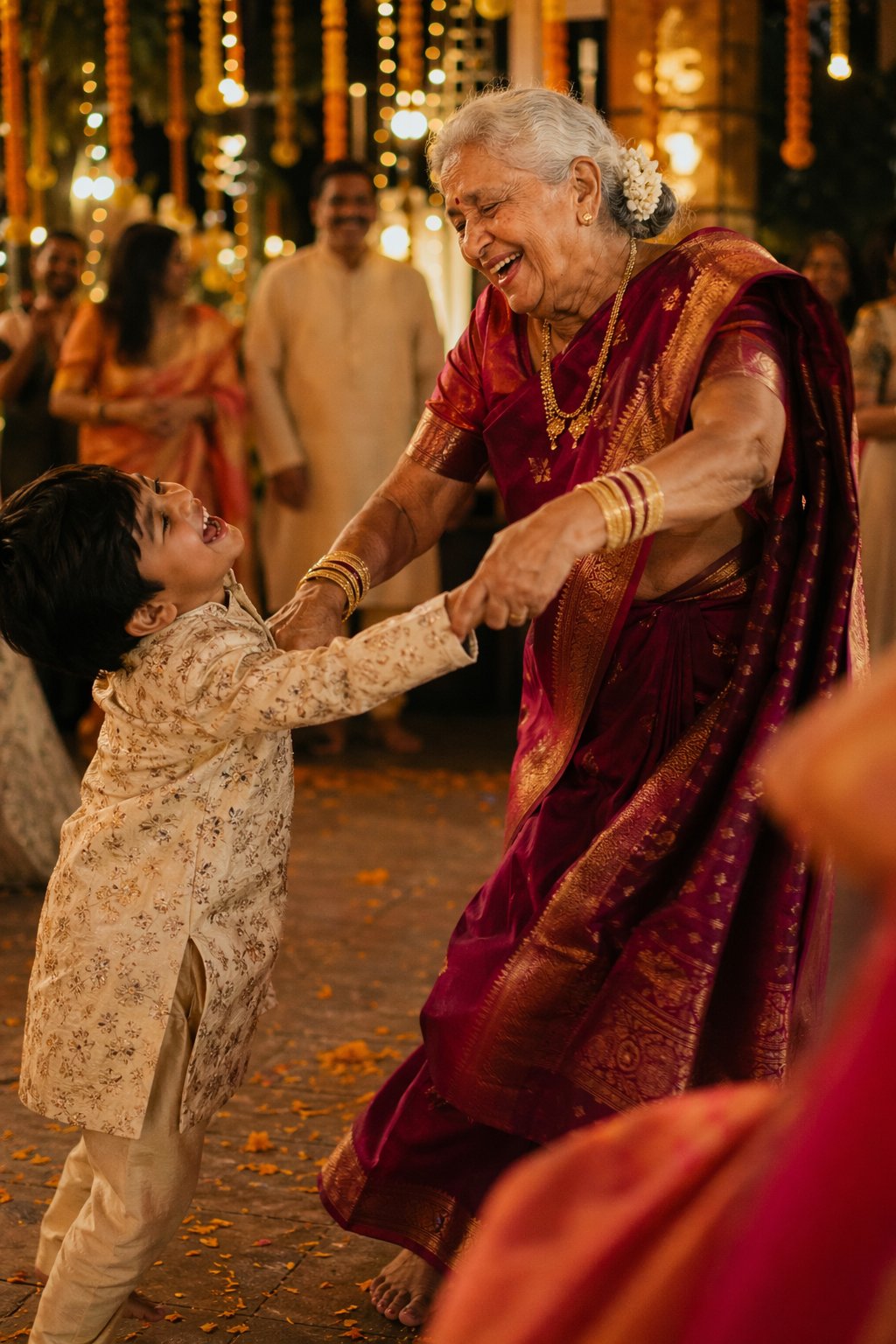
“A lead of 242 Elo on the arena is unprecedented — this isn't a minor iteration, it's a generational jump.”
GPT Image 2 vs Nano Banana 2, Flux 2, and Midjourney
Each category leader has its own signature in 2026. Where GPT Image 2 currently pulls ahead:
- Text rendering: near-perfect arena accuracy, ahead of Nano Banana 2 and well ahead of Flux 2.
- Structural control: multi-panel, magazine layouts, UI mockups, infographics, even functional QR codes inside posters.
- Reasoning on tricky prompts: period-accurate scenes, dense diagrams, brand-consistent variants.
Where others still edge it: Nano Banana 2 remains the fastest path to a great-looking photorealistic frame and wins on raw speed. Flux 2 has its own aesthetic signature that some creators prefer, especially for stylized commercial work. On Creativly you can run all three side-by-side in Flow and pick the winner per scene.
What can you do with GPT Image 2?
- Ads and campaigns with real in-image text: headline, tagline, fine print, all legible on the first pass.
- Multilingual creative: the same campaign localized across five scripts without rebuilding the layout.
- Magazine and editorial layouts: full-page designs with hierarchy, copy, and imagery in one generation.
- Infographics, diagrams, and slides: dense labeled visuals with clean typography.
- Multi-panel storyboards and comics: up to eight panels with character and palette consistency.
- Product mockups and UI concepts: packaging, billboards, mobile app screens, all with accurate text.
- Identity-sensitive edits: portrait retouching, virtual try-on, and compositing without losing likeness.
Pricing and access
GPT Image 2 is billed per token on the OpenAI API (input text, input image, and output tokens each priced separately) rather than per image. For the typical 1024×1024 generation, third-party breakdowns put this at roughly $0.006 / $0.053 / $0.211 at low / medium / high quality. Batch mode is half price. On Creativly it runs on platform credits or your own OpenAI key via BYOK — see the pricing page for the current rate.
How to use GPT Image 2 on Creativly
GPT Image 2 is available in three surfaces:
- Image session — pick GPT Image 2 from the model selector, attach references, write your prompt, generate.
- Agent — describe what you want in chat; the agent picks GPT Image 2 when text rendering, layout, or multilingual typography is the right fit.
- Flow — drop an image node, set the model, and chain it into editors, upscalers, or other models.
Prompting tips for GPT Image 2
- Put literal text in quotes and spell out tricky words. Brand names and uncommon spellings land more reliably when quoted verbatim.
- Use high quality for small text, dense labels, or multilingual copy. Low is great for speed; high is non-negotiable for typography-heavy work.
- Be explicit about what should not change on edits. “Change only X, keep everything else the same” dramatically reduces drift.
- Describe scene → subject → details → constraints. The model responds better to structured prompts than to single long-run sentences.
- Lean on photography language for realism. Lens, lighting, framing, and material cues outperform vague “photorealistic” alone.
FAQ
Who made GPT Image 2?
OpenAI. It's the successor to the image model that has powered ChatGPT's image generation for the last year, and it shipped alongside the consumer-facing “ChatGPT Images 2.0” release.
What resolutions does GPT Image 2 support?
Up to 2K with flexible aspect ratios. Standard sizes like 1024×1024, 1024×1536, and 1536×1024 are safe defaults for production work.
Does GPT Image 2 support editing?
Yes — via the edits endpoint and exposed inside Creativly's image editor and Flow canvas. Identity preservation and label integrity are meaningfully better than prior OpenAI image models.
When should I use GPT Image 2 vs Nano Banana 2?
Reach for GPT Image 2 when the job is text-heavy, layout-heavy, multilingual, or needs reasoning. Reach for Nano Banana 2 when you need the fastest path to a clean photorealistic frame and pure speed matters.
Can I use GPT Image 2 commercially?
Yes, under Creativly's standard commercial terms. Check the terms of service for specifics.
Try GPT Image 2 now
GPT Image 2 is live on Creativly today. Open an image session to run your first generation, or jump into Flow for a node-based workflow.