

Workflow
UGC Product Story
Fast vertical UGC: upload product, generate scene, voiceover, and captioned clip.
Social9 nodes7 edges
Workflow Canvas
Auto‑layout left → rightNodes
9
Visual steps in this workflow.
Edges
7
Data hand‑offs and dependencies.
Workflow Steps
Ordered by graph layoutStep 1 • Image
Upload product photo
upload
Model: nano-banana-proUpload
Step 2 • Prompt
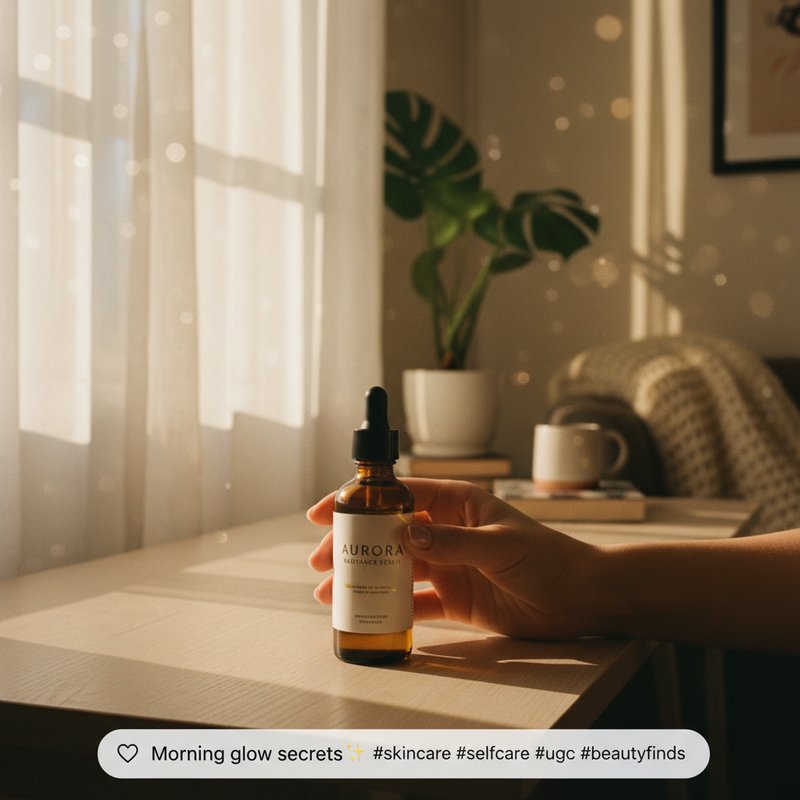
Casual apartment, warm morning light, handheld phone vibe, cozy and authentic.
Casual apartment, warm morning light, handheld phone vibe, cozy and authentic.
scenePrompt
Step 3 • Image
UGC-style scene with product naturally placed on desk, soft grain, candid feel
UGC-style scene with product naturally placed on desk, soft grain, candid feel
scene
Model: flux-2Ratio: 9:16
Step 4 • Image
Close-up detail shot with shallow depth of field, branded texture emphasis
Close-up detail shot with shallow depth of field, branded texture emphasis
alt
Model: flux-2Ratio: 9:16
Step 5 • LLM
Write a 12s UGC script with 3 hook beats and CTA.
Write a 12s UGC script with 3 hook beats and CTA.
script
Step 6 • Audio
Warm, friendly voiceover reading the UGC script
Warm, friendly voiceover reading the UGC script
voice
Model: kling-audio
Step 7 • Image
On-screen captions: bold, legible, modern UGC subtitle styling
On-screen captions: bold, legible, modern UGC subtitle styling
captions
Model: ideogramRatio: 9:16
Step 8 • Video
Handheld vertical clip, subtle camera sway, natural motion
Handheld vertical clip, subtle camera sway, natural motion
ugcVideo
Model: kling-2.6Ratio: 9:16
Step 9 • Video
Add captions and subtle zoom cuts synced to VO beats
Add captions and subtle zoom cuts synced to VO beats
final
Model: kling-o1Ratio: 9:16