Workflow
Character Performance Rig
Design a character, animate performance, and stylize the final cut.
Cinema6 nodes5 edges
Workflow Canvas
Auto‑layout left → rightNodes
6
Visual steps in this workflow.
Edges
5
Data hand‑offs and dependencies.
Workflow Steps
Ordered by graph layoutStep 1 • Prompt
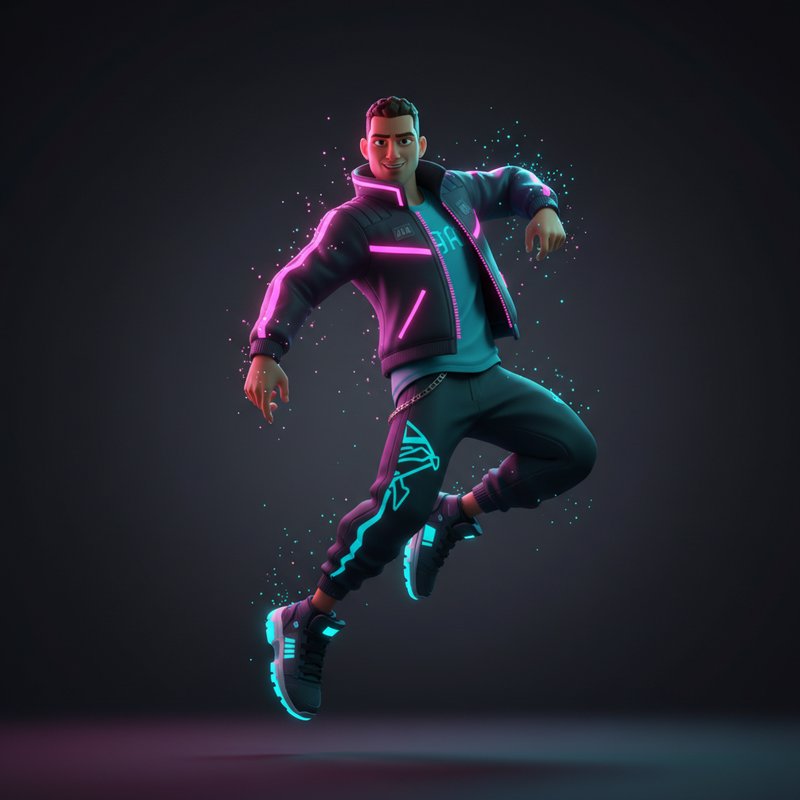
Character: athletic dancer, futuristic streetwear, bold silhouette, neon accents.
Character: athletic dancer, futuristic streetwear, bold silhouette, neon accents.
persona
Step 2 • Image
Full-body character keyframe, dynamic pose, clean background
Full-body character keyframe, dynamic pose, clean background
keyframe
Model: flux-2Ratio: 9:16
Step 3 • Image
Upload style reference (optional)
styleRef
Model: nano-banana-proUpload
Step 4 • Video
Upload motion reference clip
motionRef
Model: kling-2.6Upload
Step 5 • Video
Dynamic dance performance, smooth camera orbit, punchy beats
Dynamic dance performance, smooth camera orbit, punchy beats
perf
Model: wan-2.2-moveRatio: 9:16
Step 6 • Video
Add light streaks, subtle motion blur, cinematic polish
Add light streaks, subtle motion blur, cinematic polish
fx
Model: kling-o1Ratio: 9:16